Case Study

A Simpler Way to Deliver Licensed Content

Built for Western University, Technology Transfer Office

Overview

Client: Western University, Technology Transfer Office (WORLDiscoveries)
Role: Lead designer and developer, responsible for UX/UI, branding, and full front-end build
Timeline: 7 weeks
Deliverables: Custom web portal, integrated payment flow, branded UI system, admin analytics dashboard

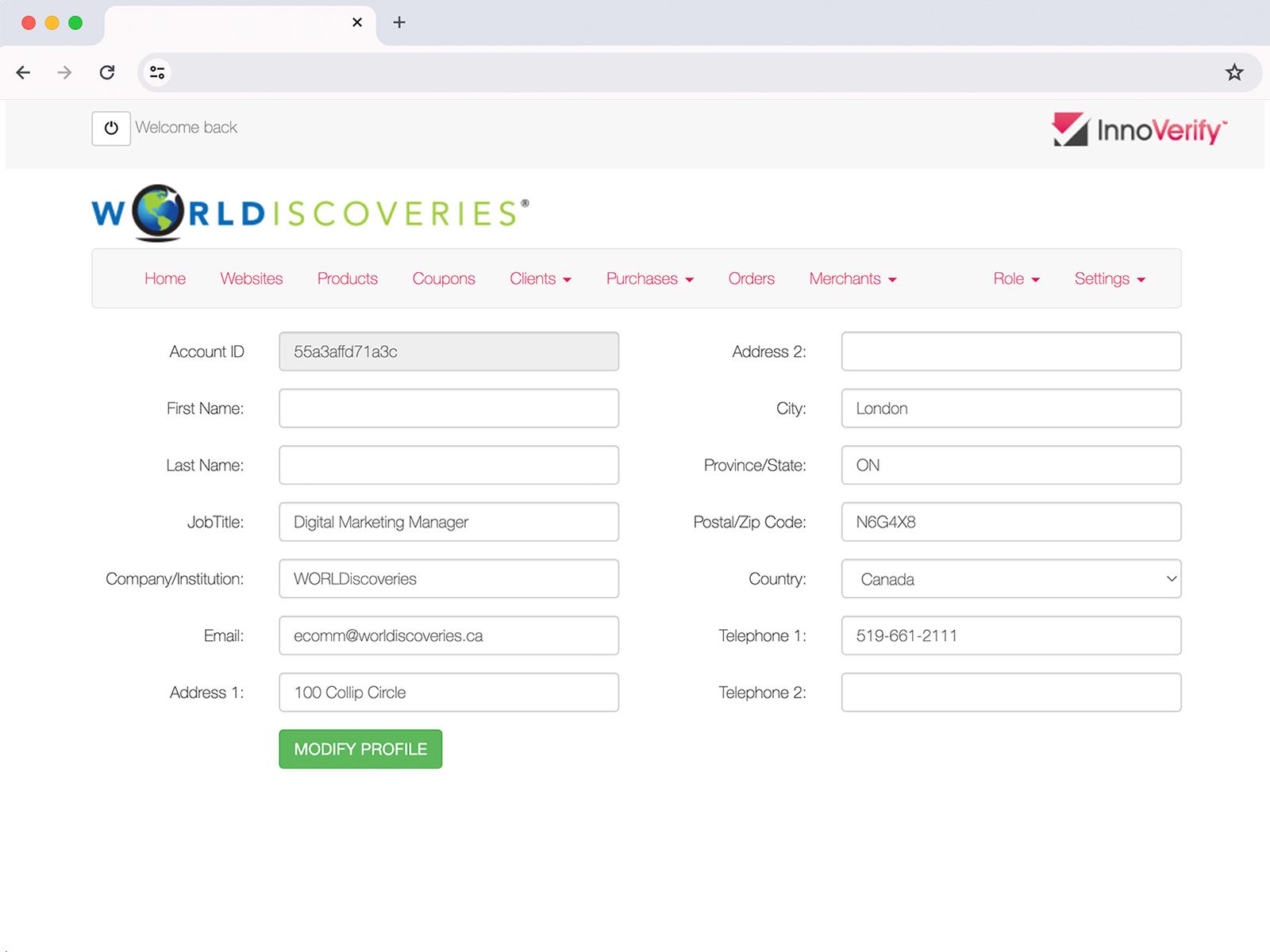
InnoVerify is a secure digital delivery portal built for Western University’s Technology Transfer Office, giving researchers and licensees a single, branded gateway to register, pay, and instantly access digital content (PDFs, software, e-books, and toolkits) without the friction of third-party checkout tools or fragmented registration flows.

The Problem

Before InnoVerify, accessing licensed material was slow and clunky. Someone would email the Tech Transfer Office to request materials. Staff had to check if the person qualified, then send them to a separate payment website that looked nothing like the university’s site. Once payment went through, someone still had to manually send the actual download link. This whole process took 3 to 5 business days.

That caused two problems:

  • People requesting access had to deal with three different systems (email, an outside payment page, and a manual delivery email) with no way to check on their request in between.
  • University staff had to manually match up payments with requests, track everything by hand, and had no real way to see who was actually using the materials.

The Approach

Rather than bolt on a third-party e-commerce plugin, I designed InnoVerify as a self-contained portal built directly into the university’s environment, so registration, payment, and delivery could happen in one branded flow without ever leaving the site.

Key decisions worth noting:

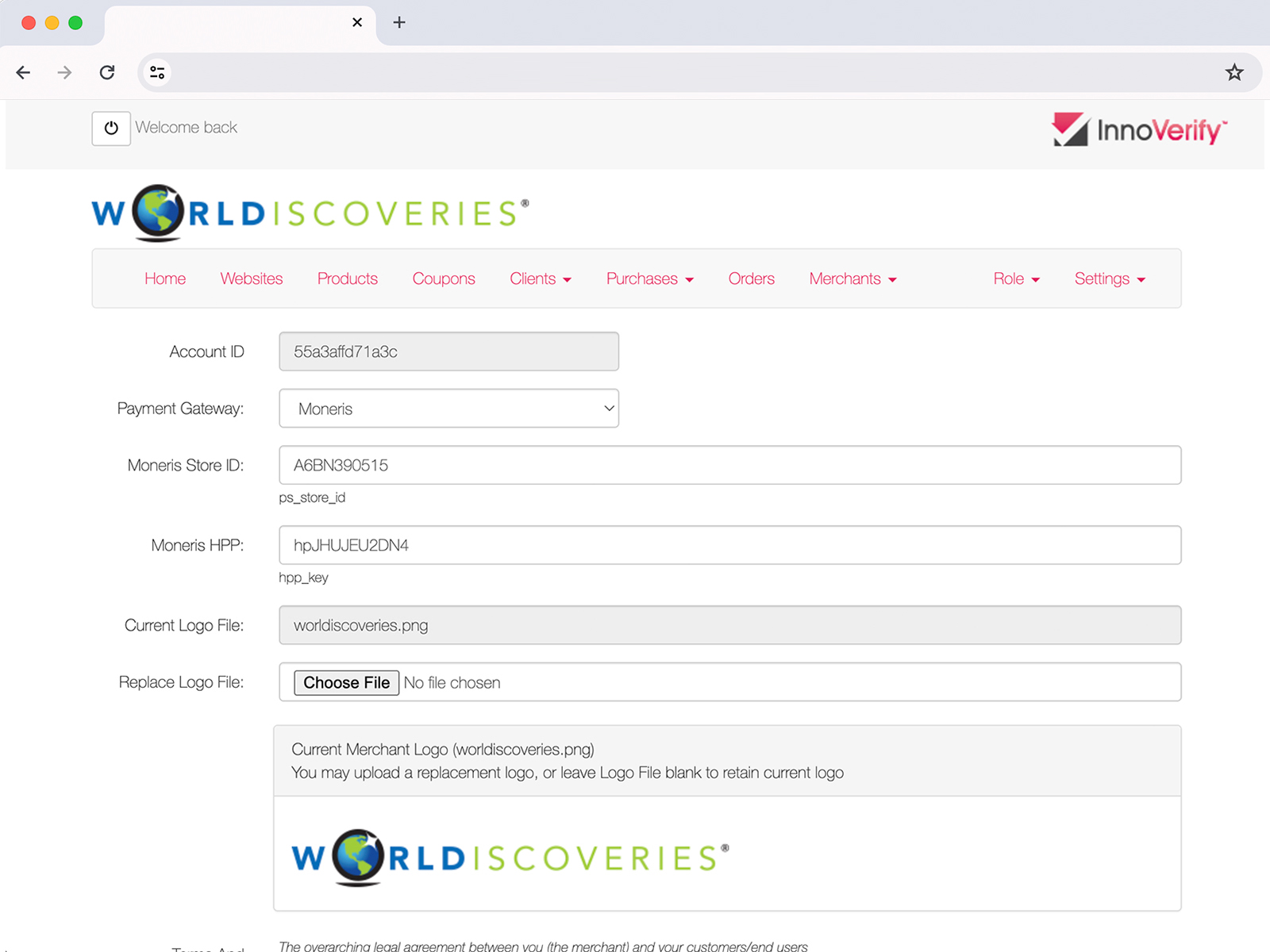
  • Replaced the external payment redirect with an in-page checkout, keeping the entire transaction on-brand and reducing drop-off at the payment step
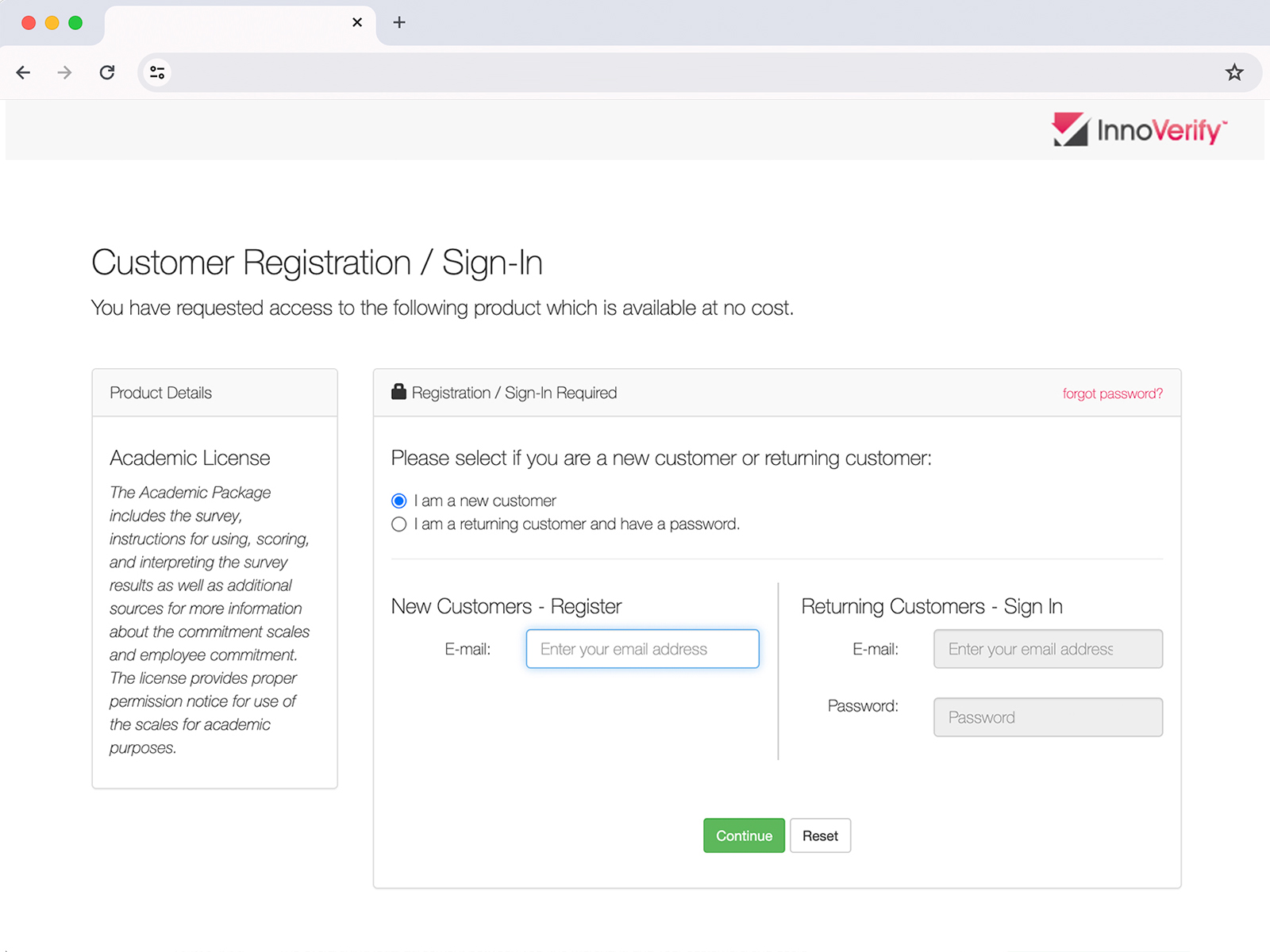
  • Consolidated a 4-step request process (email, eligibility check, external payment, manual delivery) into a single self-serve registration and checkout flow
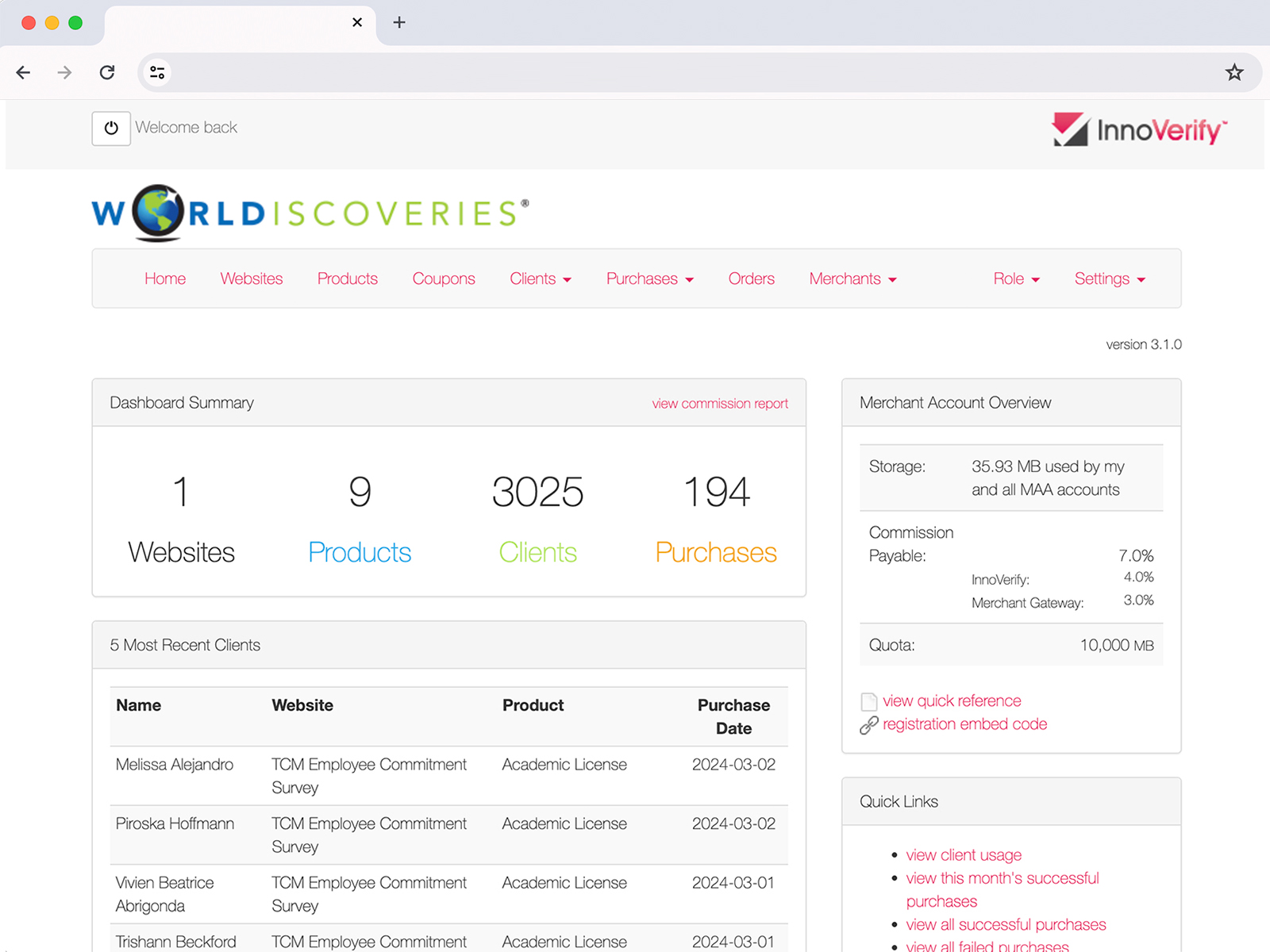
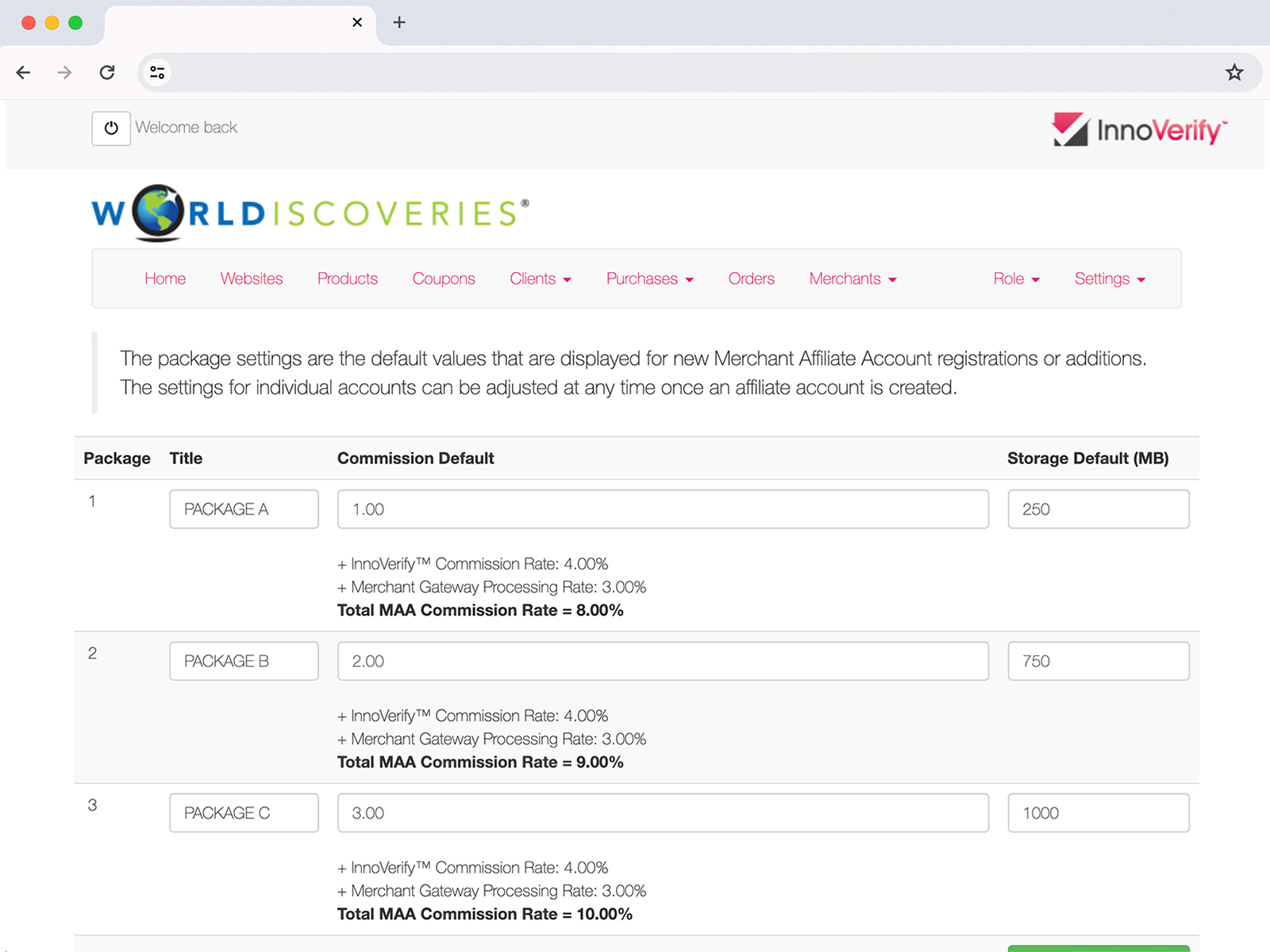
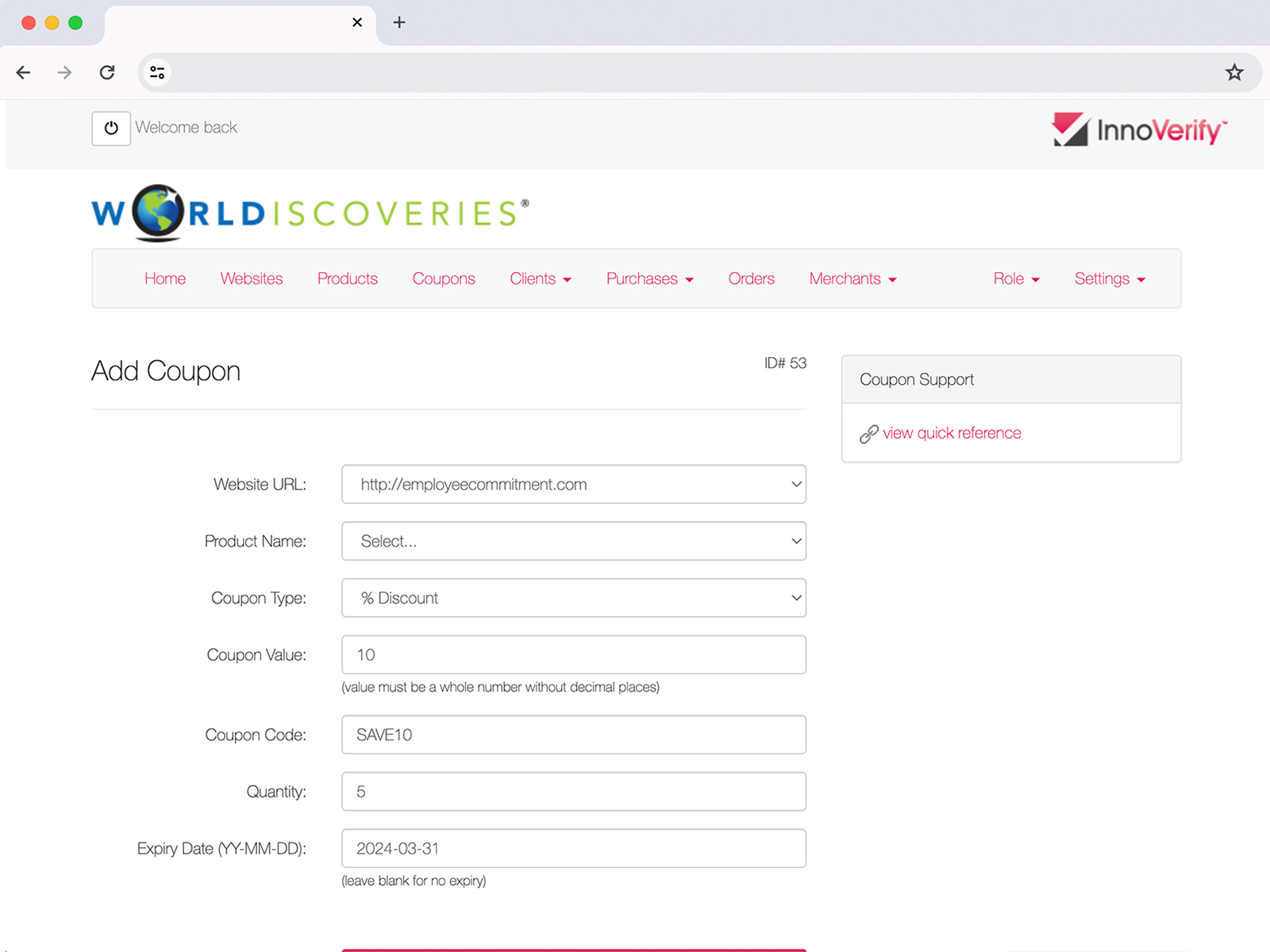
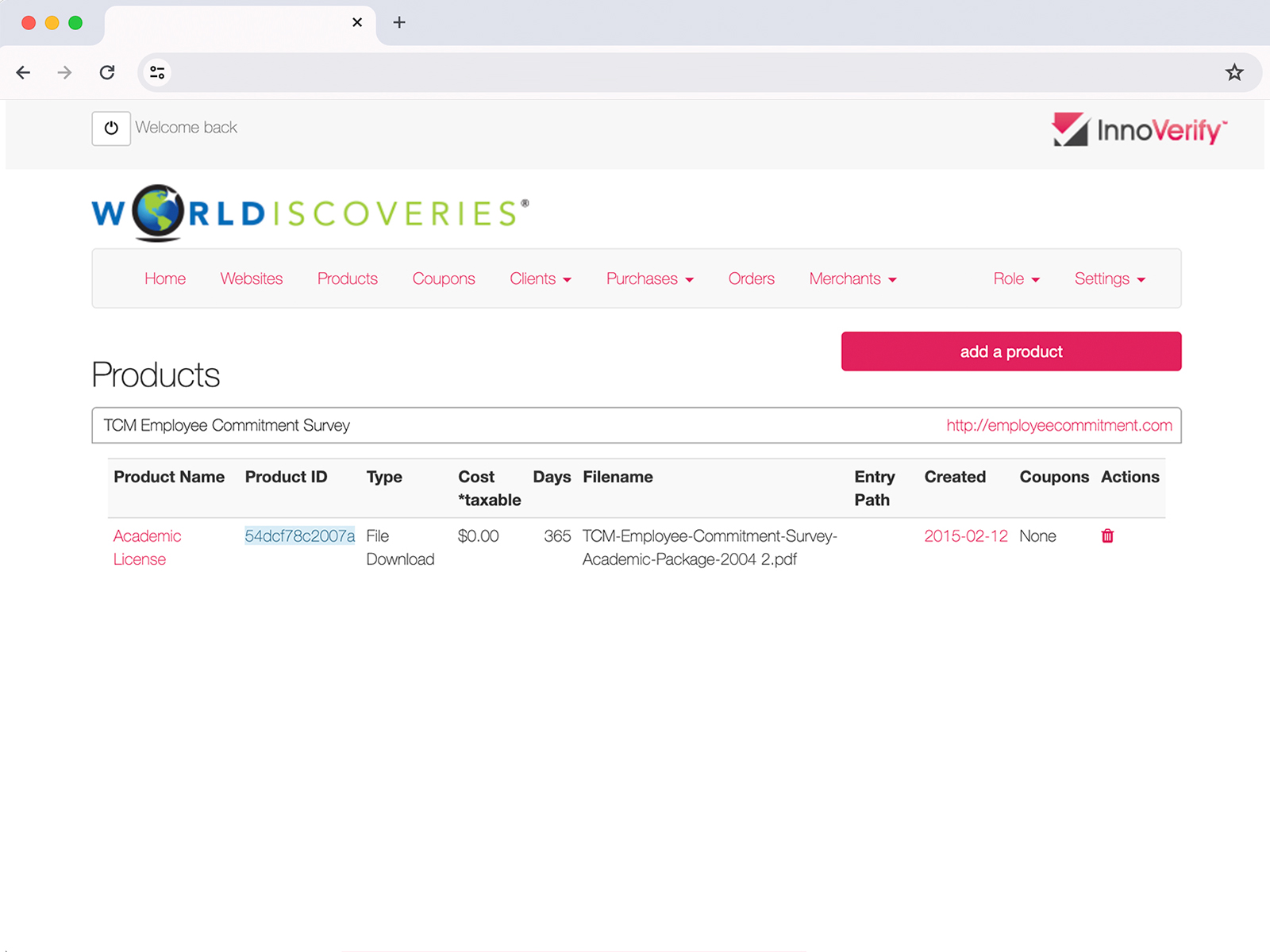
  • Added an admin dashboard so Tech Transfer Office staff could see access and payment status in real time, replacing manual spreadsheet tracking

Key Features and Functionality

  1. Secure Access
    Encrypted authentication and access control protect intellectual property and every transaction.
  2. Streamlined Registration
    A single-step registration flow replaced the previous multi-step email and eligibility-check process.
  3. Seamless Payment Integration
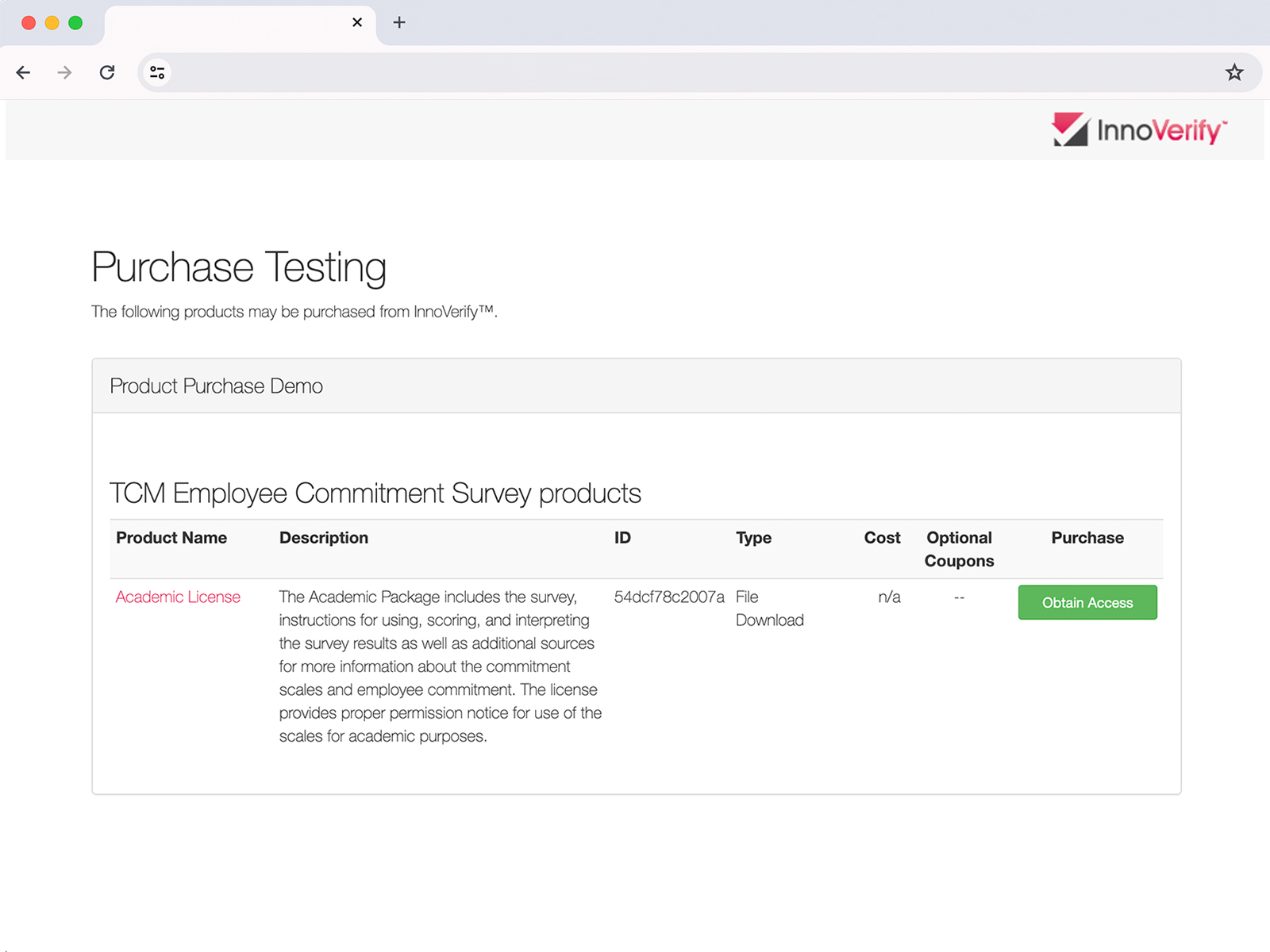
    Customers register, pay, and download in one branded flow, with no third-party redirect.
  4. Branded Experience
    Every touchpoint, from registration to checkout to delivery, carries the university’s (or licensee’s) branding.
  5. Engagement Tracking
    An analytics dashboard gives the Tech Transfer Office visibility into who’s accessing what, and how often.

Results

  • Cut the wait time from 3 to 5 business days down to under 10 minutes, since nothing needs manual checking anymore.
  • Reduced a 4-step process across 3 different systems to one simple checkout.
  • Handled 140+ transactions in the first 3 months, with no staff needing to step in for any of them.
  • Freed up an estimated 5 to 6 hours a week that staff used to spend manually checking payments and sending download links.
  • What the client said:
    “InnoVerify took what used to be a multi-day back-and-forth and turned it into something our licensees can complete on their own in minutes. It’s freed up our team to focus on the partnerships instead of the paperwork.”
    – Jonathan D., Business Development Officer, Western University Technology Transfer Office / WORLDiscoveries

Related Posts

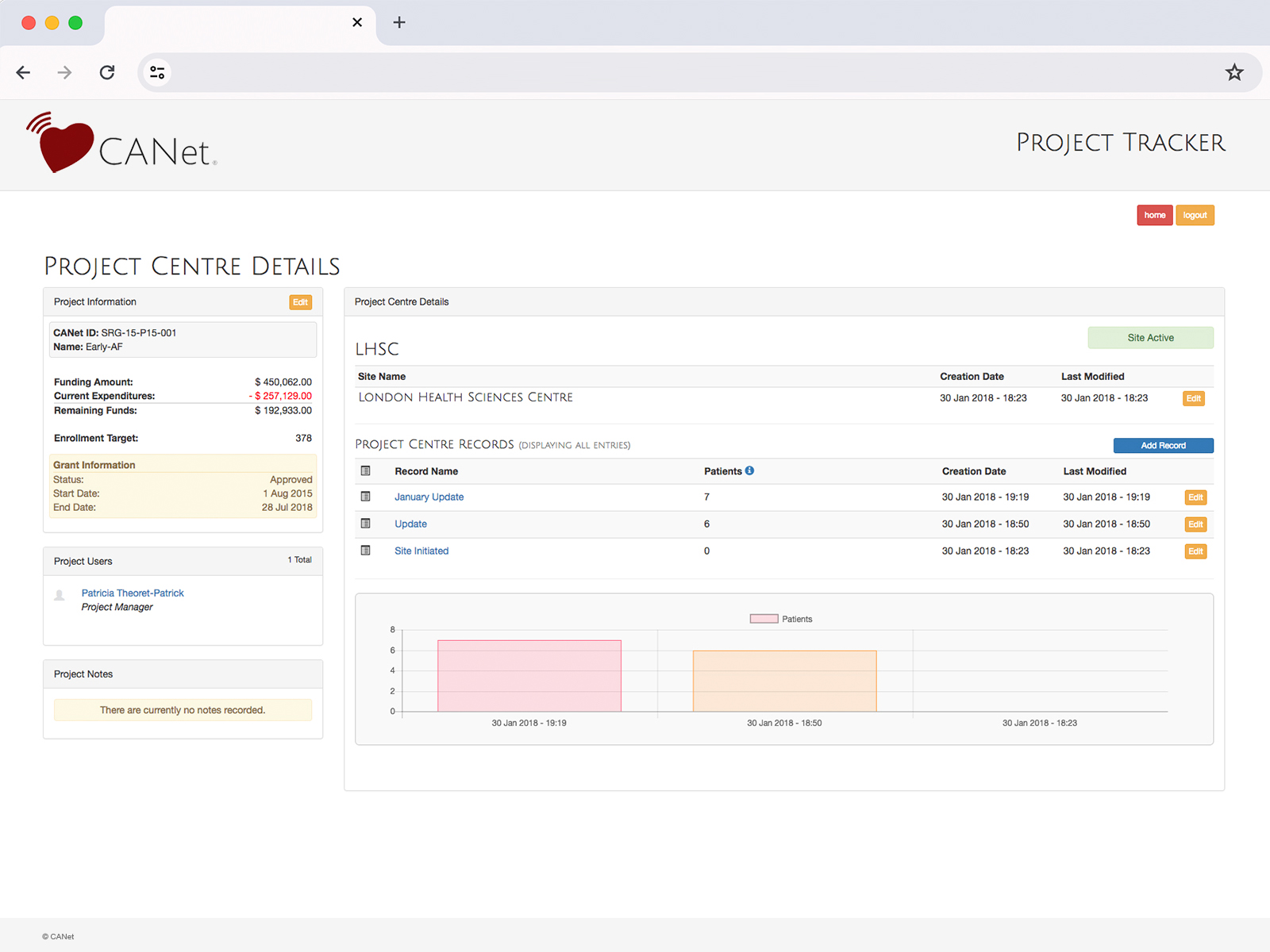
Case Study — Project Tracker

Project Tracker

Turning Manual Reporting Into Real-Time Stakeholder Tracking
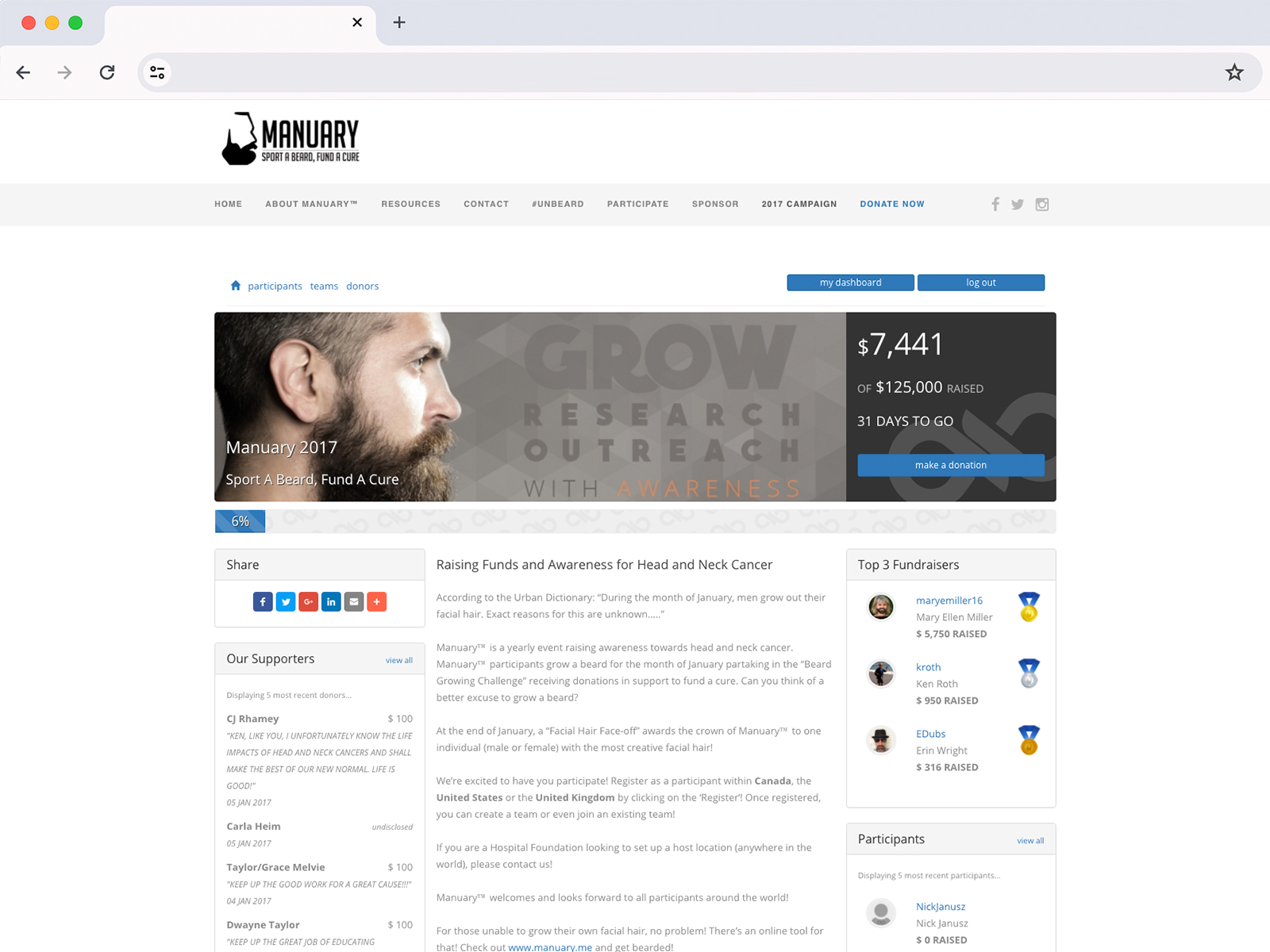
Case Study — CauseKnot

CauseKnot

A Fundraising Toolkit That Never Leaves Your Brand