A week-long build log: strategy, brand, an AI avatar, five content formats, a website and an email list, all made with Claude. Here’s what worked, what didn’t and the tools I used.
AI still needs you to tell it what to do.
That’s the biggest thing I learned building a UGC brand from scratch with AI in seven days. It researched, wrote, designed, edited video and built a website faster than any team I’ve worked with. But it didn’t know my audience. It didn’t know my taste. And it never once told me something felt off. That part was still my job.
I’ve built brands for clients for years. Strategy decks, brand guidelines, content calendars, websites, email flows. Usually that takes a team and a couple of months.
This time I wanted to answer a question I keep getting asked: can AI actually build a brand from zero? Not a logo. Not a caption. A full online presence, with a face, a voice, a website, an email list and content on three social channels.
So I gave myself seven days and one AI partner, Claude. The result is Dad Knows & Co., a short-form content brand for new dads, dads-to-be and current dads, live on YouTube Shorts, Instagram, TikTok and dadknows.co.
What I mean by UGC
UGC (user-generated content) is talking-head tips, quote posts and simple carousels. Native to the feed, not polished like an ad.
The twist: the creator is an AI avatar built from my own photo and voice, and most of the production runs through AI.
Fatherhood was close to home. New dads get a lot of advice aimed at mom and very little that’s short, practical and written for them. The positioning: one useful tip at a time. No lectures. No judgement. And every piece supports mom through postpartum.
The audience is dads in the US and Canada, from pregnancy to the toddler years. Social for reach, a website for search, and an email list to own the relationship.
How Dad Knows & Co. went from an idea to a live brand in a week, and what each day taught me.
I started where any campaign starts. Who’s already winning? Claude researched the top 20 dad and parenting creators on YouTube, Instagram, TikTok and X and put them in a spreadsheet with follower counts and sources. That gave me benchmarks and showed me the gaps.
Then we built the engine: 365 tips covering newborn care, supporting a partner through postpartum recovery, and the move into toddlerhood. Each tip has a title, a hook, the content, a call to action, SEO keywords, references from credible pediatric and postpartum sources, and ready-to-use captions and scripts.
First lesson: the first draft gave every title the same format. I asked for variety and every title was rewritten across 15 formats. AI moves fast, but you still have to direct it.
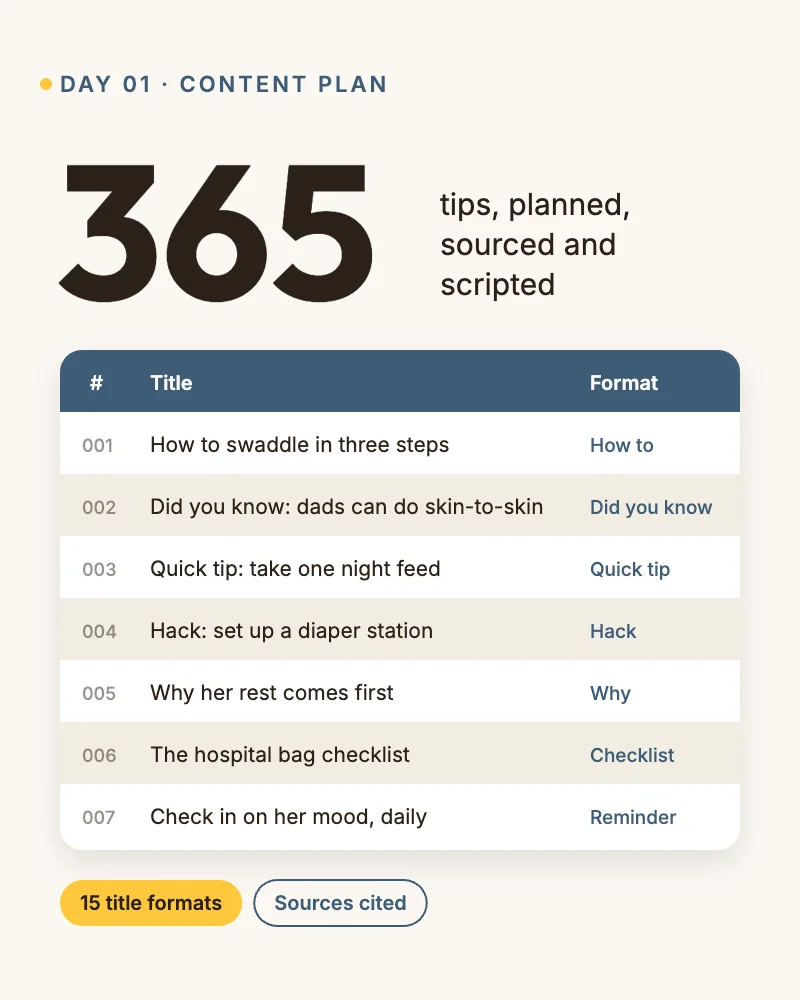
The 365-tip content calendar, with 15 title formats.
Name, slogan, look and voice, all in a day.
Claude turned it into a 12-page brand guidelines PDF and a full logo set in SVG, EPS and PNG. It also wrote the mission and values, the About page copy and the social bios.
The voice rules mattered most: third person only, no emojis, no hashtags in captions, positive reinforcement over instructions. Writing these down early saved me hours of edits later.
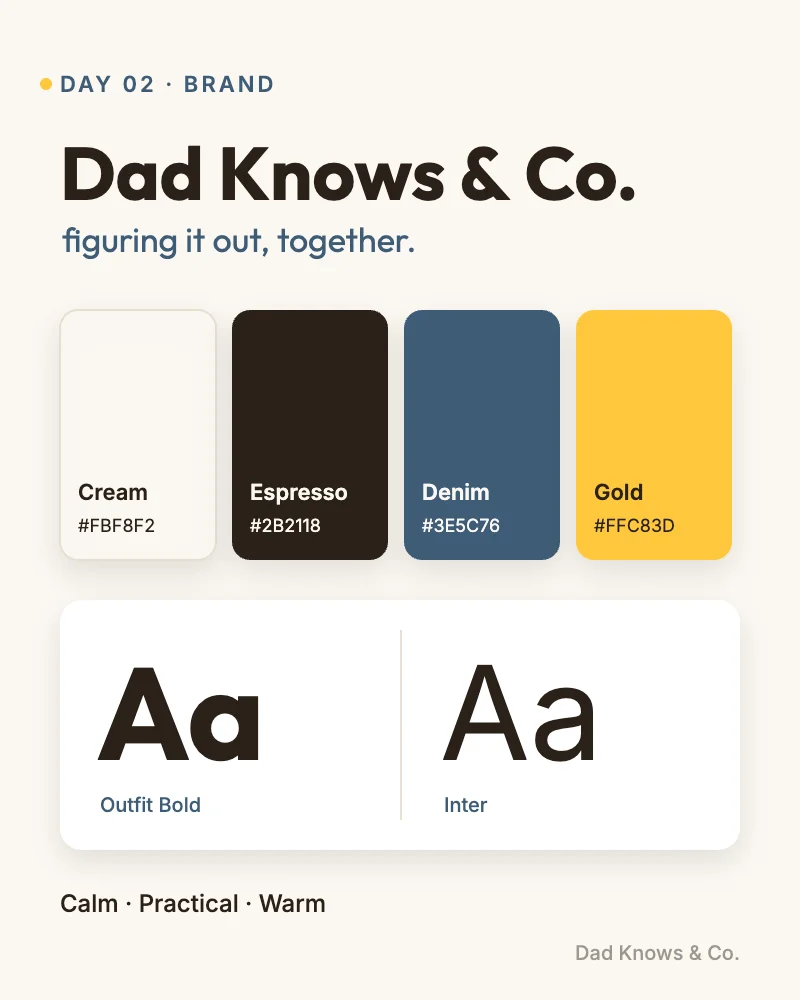
Colours, type and voice for Dad Knows & Co.
This is where it got interesting. I used HeyGen to build a photo avatar from my own picture and cloned my voice. Then I dialled in the details: beard length, clothing (my own style, think clean streetwear in neutral colours), and a set of settings like the front door, the nursery and the living room couch.
A few things I didn’t expect:
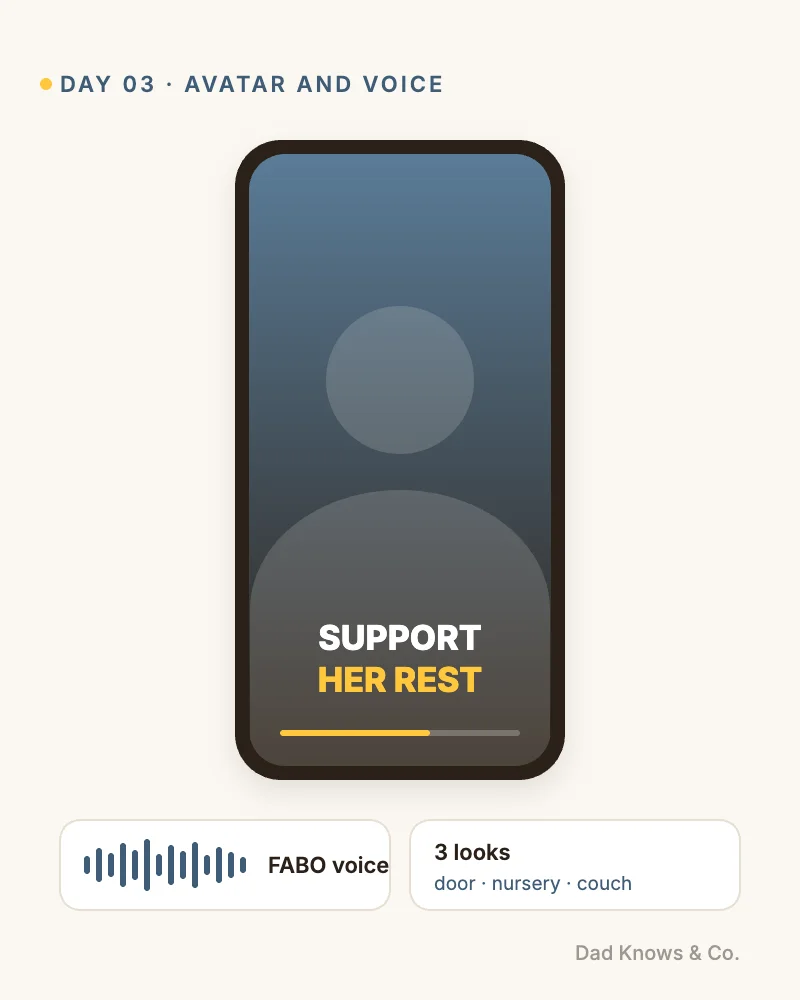
The AI avatar, built from my own photo and voice.
One tip becomes five pieces of content:
Every look got a name, like “DKC STYLE 01”. Once I approved a style, it was locked and every new post followed it. Behind the scenes, Claude rendered the graphics with headless Chrome and edited the video with ffmpeg. No design software on my end.
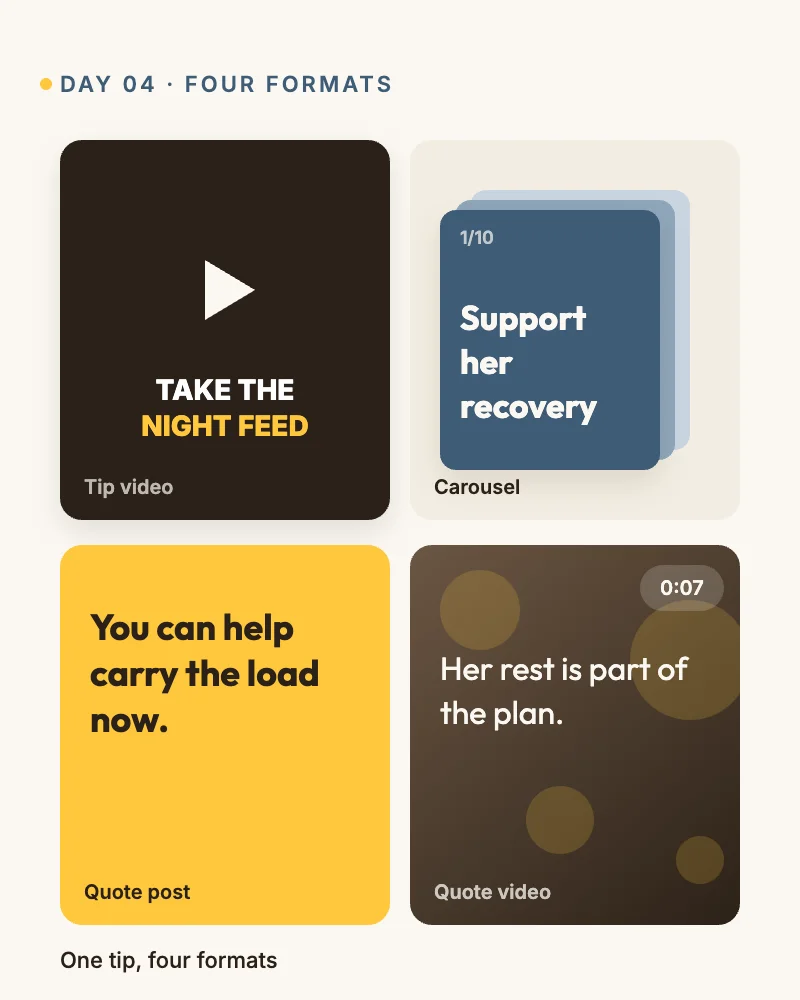
One tip, four social formats.
Social gives you reach. Search gives you a library that keeps working.
dadknows.co runs on WordPress with a Goodlayers theme. Claude designed the home page mockup first, then built the pages in the page builder. The setup:
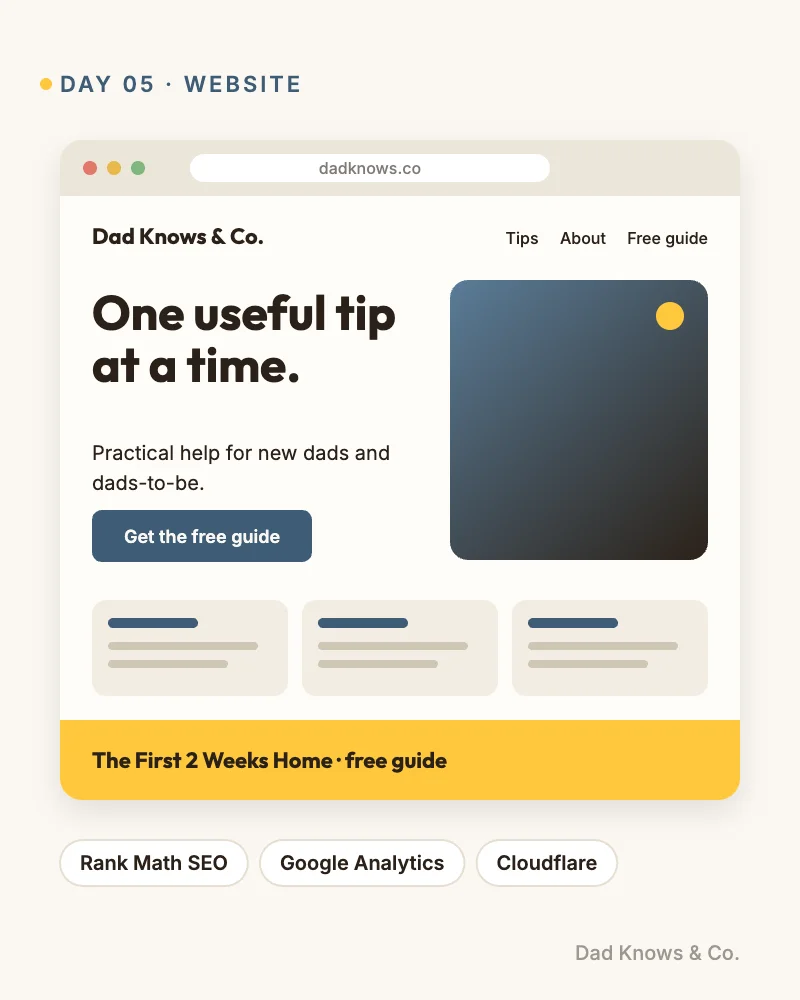
dadknows.co, live on day five.
Followers are rented. An email list is owned.
Claude wrote and designed a free ebook, The First 2 Weeks Home, as the signup incentive. Then we connected MailerLite: a signup form on every page, a branded sending domain, and a three-email welcome series that delivers the guide right away, then covers postpartum support and dad mental health over the next five days.
Worth flagging: I turned off double opt-in because the free plan wouldn’t let me brand the confirmation email. That means the consent line on the form has to do the work for CASL. If you’re in Canada, think about that one before you copy me.
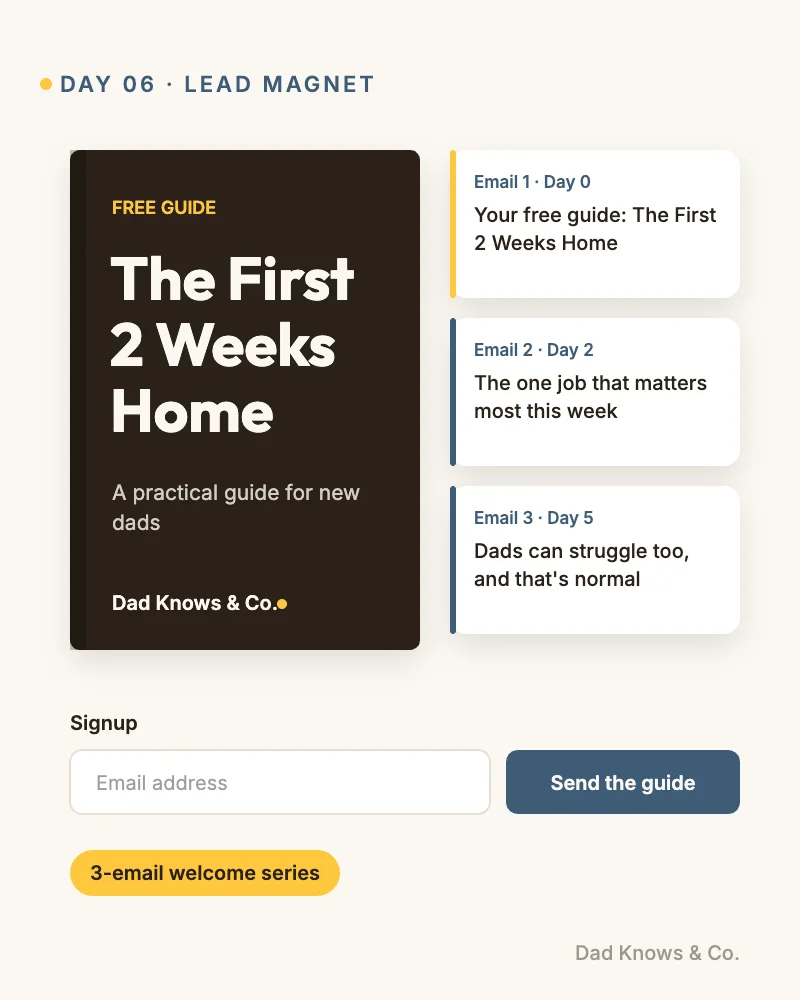
The free ebook and its three-email welcome series.
This is the part most people skip, and it’s the reason the brand can keep going.
We finished the week with a full audit of the site, socials and email flow, and fixed everything it found.
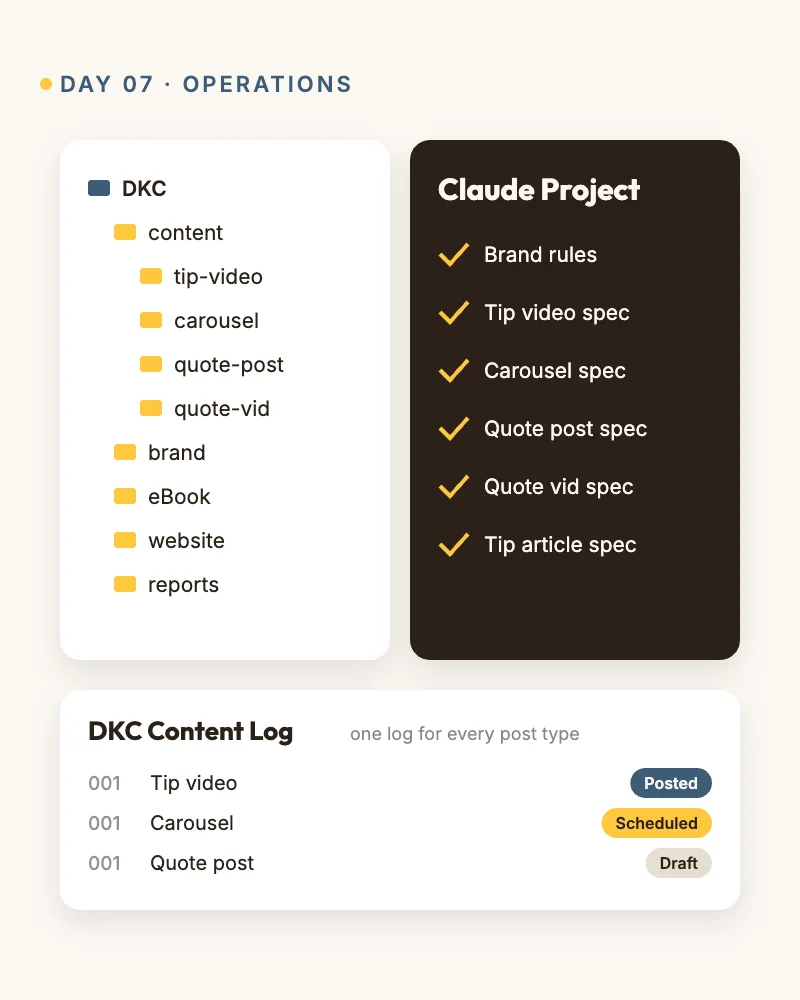
One folder, one log, one spec per post type.
Can AI create UGC content?
Yes. AI can write the scripts, generate a presenter avatar with a cloned voice, edit the video and design the graphics. A person still needs to set the strategy and approve the work.
How long does it take to build an online presence with AI?
The foundation (brand, website, content system and email list) took seven days. Growing an audience takes much longer.
What tools do you need?
An AI assistant like Claude, an avatar tool like HeyGen, a website platform like WordPress, and an email platform like MailerLite.
Seven days in, the foundation is built. The real test is the next 358 tips.
Dad Knows & Co. has a brand, an avatar, a 365-day plan, five content formats, a live website, a free ebook and an email list that runs on its own. Growth takes time, and the ongoing newsletter is still being planned. But I know exactly how every piece works.
If you’re a brand, a creator or a marketing team wondering what AI can really do for your content, let’s talk.