

You can easily transform your home network into a high-performance, enterprise-grade system with Ubiquiti UniFi. Designed for reliability, scalability, and seamless control, UniFi products deliver blazing-fast Wi-Fi, advanced security, and centralized management all from a single intuitive interface.
Whether you’re streaming, gaming, working from home, or managing smart devices, UniFi ensures consistent coverage and optimized performance throughout your home. With features like mesh networking, VLAN support, and real-time traffic monitoring, you can enjoy professional-level networking without the complexity.
Jump to my journey and discover how I used UniFi to elevate connectivity, enhance security, and future-proof my home network for today’s digital demands.
UniFi Products Tested
Other Products Used
The links above are to all products available on Amazon (except the 10″ 3D printed rack mounts).
My UniFi Journey
With a limited background in IT (from Fanshawe College), I considered myself a total Unifi noob as my journey began with extensive planning. Mapping out and installing Cat 6a Ethernet Cable throughout my house, putting together a device list, and realizing I didn’t identify all the components I actually needed out of the gate. I quickly found myself back at the drawing board!
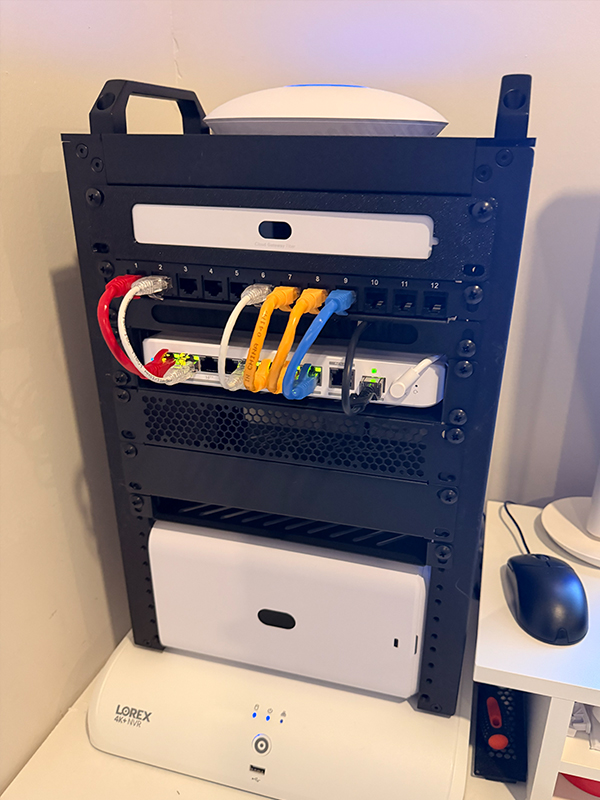
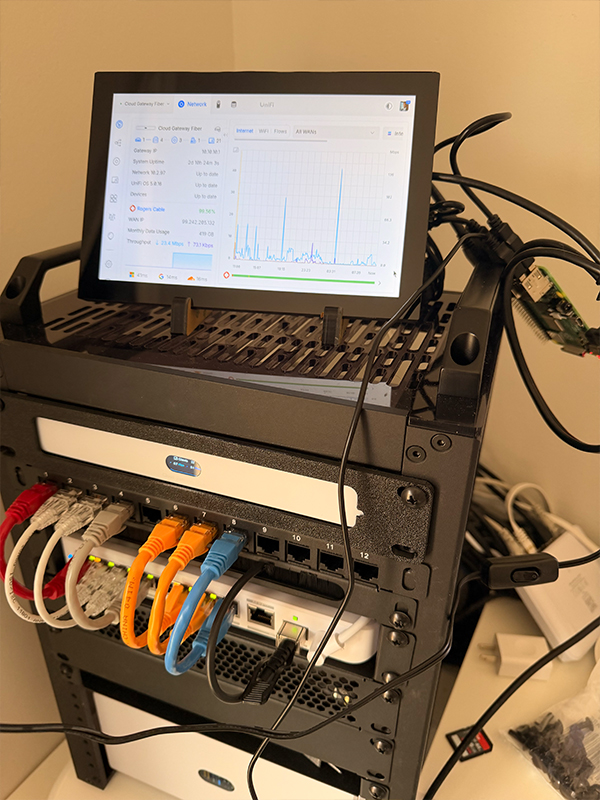
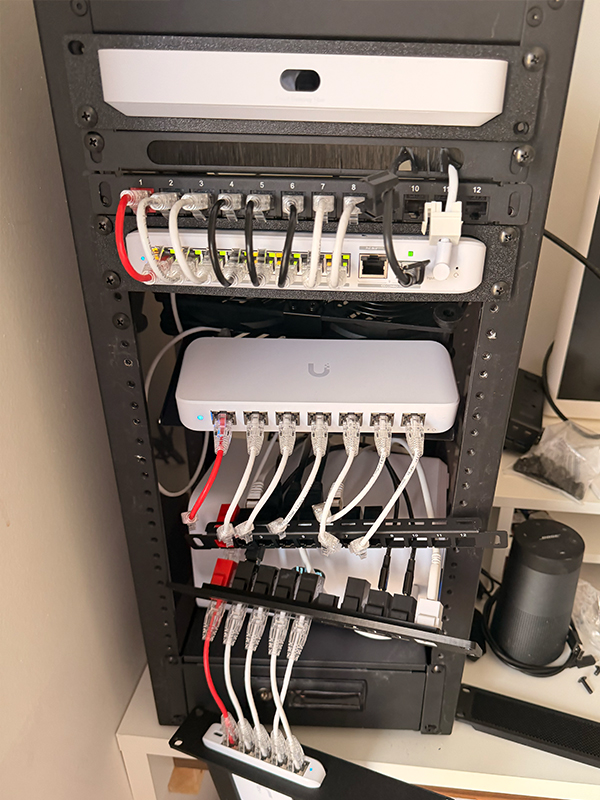
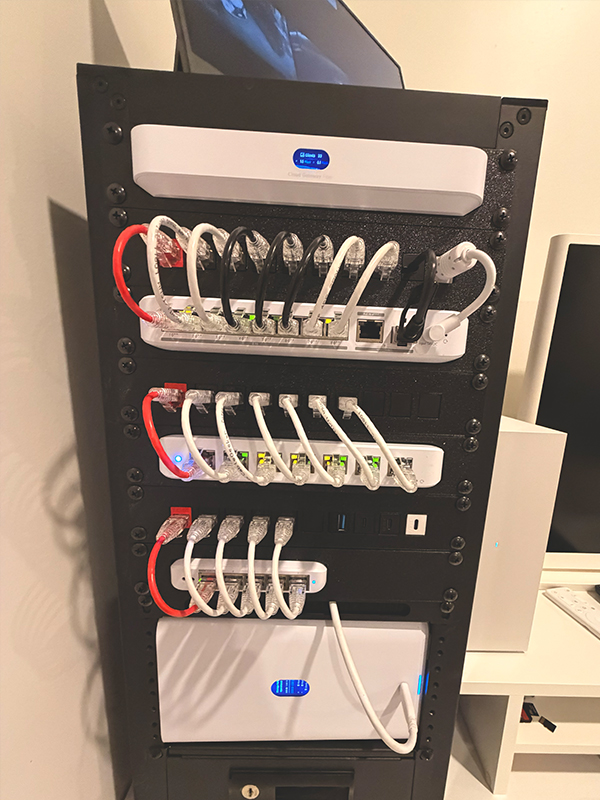
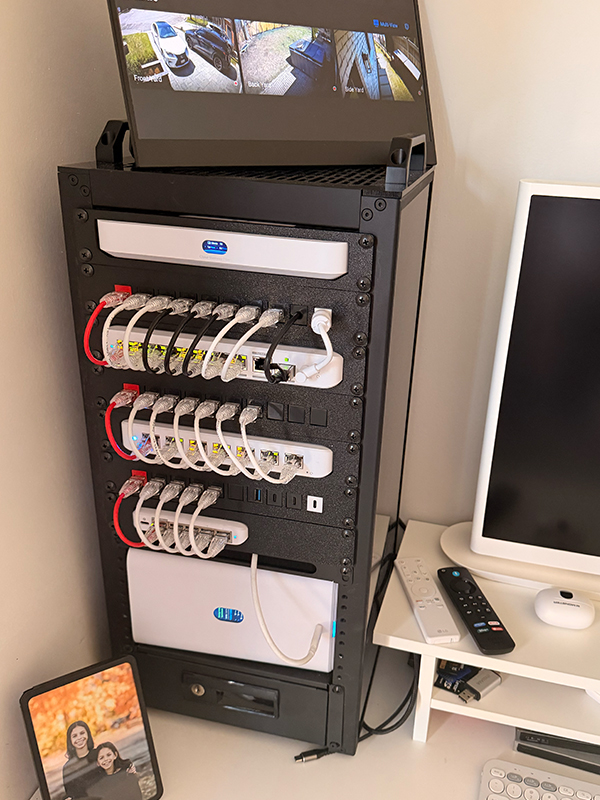
After thoroughly analyzing my use case requirements and future-proofing my setup, in the end, I finalized my GeekPi 12U Rack (and UniFi Access Point (AP) installs) with the following Unifi Devices:
- Cloud Gateway Fiber
- Flex 8-port 2.5 GbE PoE Switch
- Flex Mini 5-port 2.5 GbE PoE Switch
- Ultra 60W 8-port GbE PoE Switch
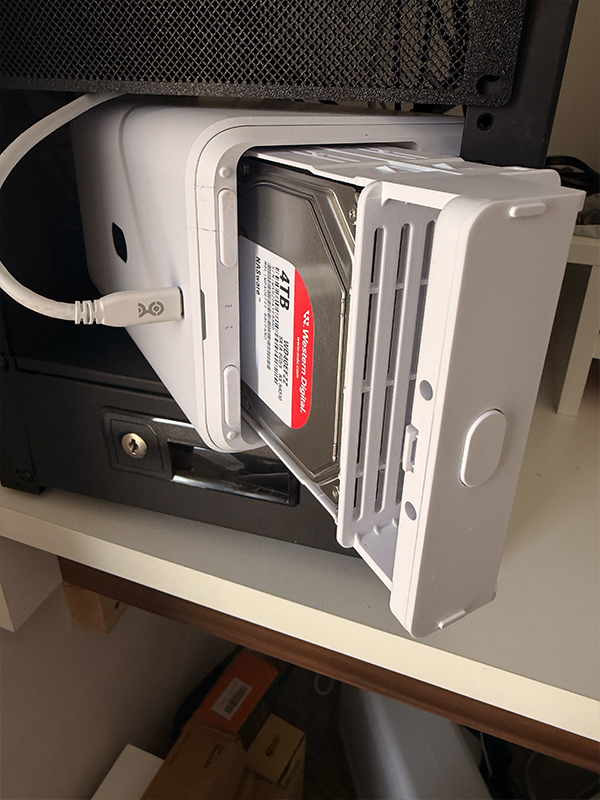
- UNAS 2 Network Attached Storage
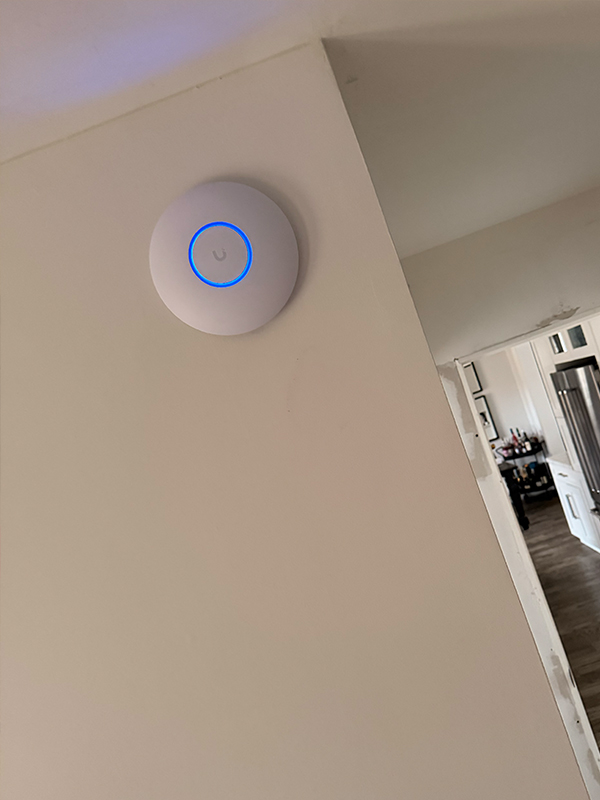
- U7 Lite AP’s with 4 Spatial Streams and 2.5 GbE Uplink
- U7 In-Wall with 4 spatial streams and an integrated 2.5 GbE PoE Switch
- G5 Turret Ultra Cameras
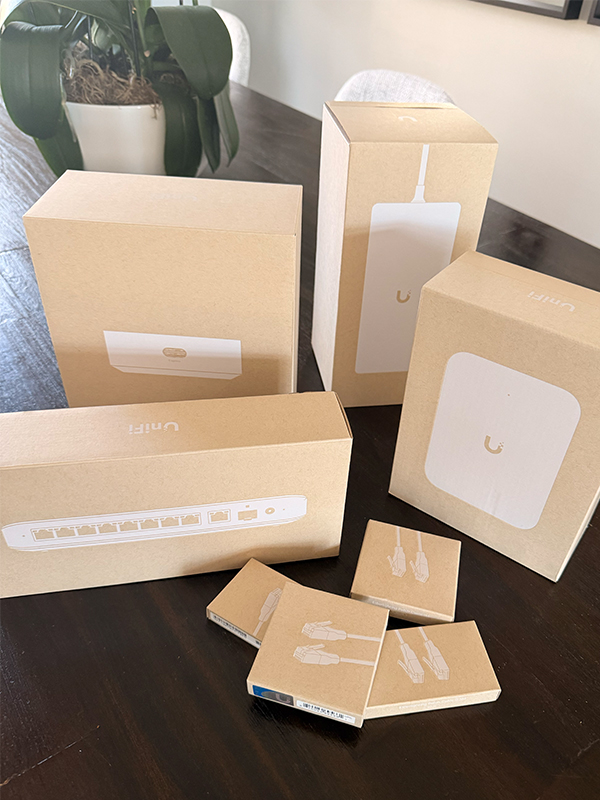
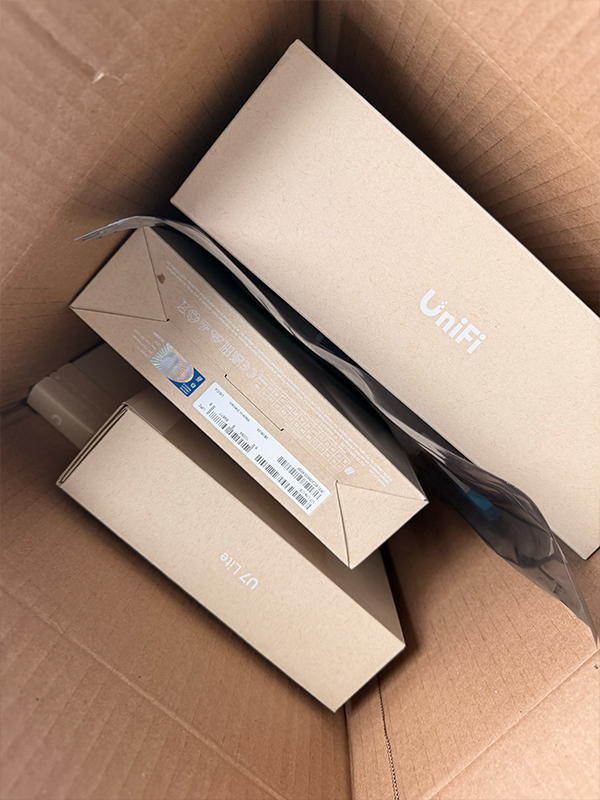
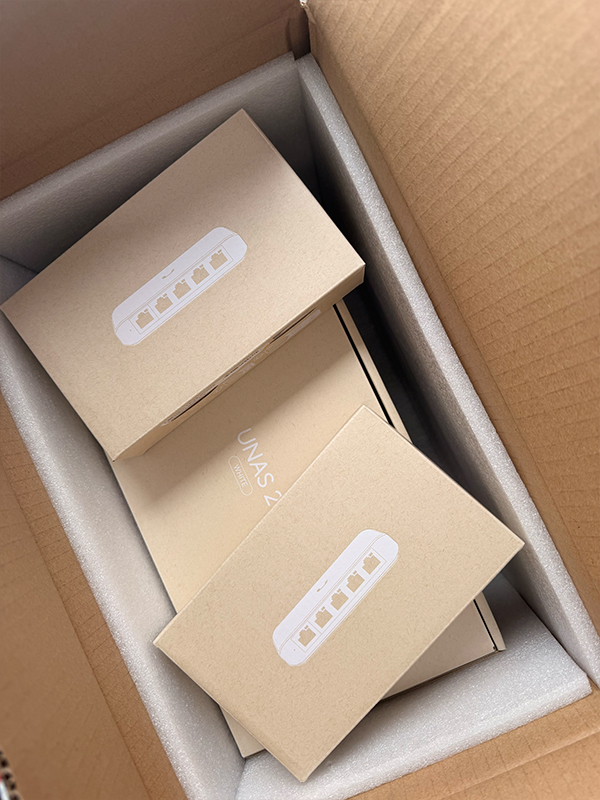
Delivery day was always the best day!
With my Rogers Ignite 2.5 Gbps Internet providing up to 3 Gbps speeds, my goal was to have all of my TV streaming devices (Google Chromecast TVs), computers, and 3rd-party Lorex security cameras hardwired and unified on a single centralized platform. I also wanted to cancel my 2TB iCloud Photos monthly service and back up my photos and other data to a local Network Attached Storage (NAS) solution.
Unifi was the answer! And, down the rabbit hole I went!
Something to note: Unifi products can be purchased directly in the Ubiquiti Store, but I found myself ordering some products from Amazon to take advantage of Prime overnight and next day delivery. At times I just couldn’t wait to adopt the next device into my setup! More on that (advantages/disadvantages) later!
Tip #1: Buy, play, and return!
I mentioned wanting products in the moment; well, I found Amazon to be a great resource for getting things quickly, trying them out, and having plenty of time to return them. Sometimes, things don’t work out the way you want them to!
Learning the vast scope of networking components, including cable types, cable speeds, device integration, etc., and having the convenience of getting something as fast as next-day delivery from Amazon made tinkering easier and more fun!
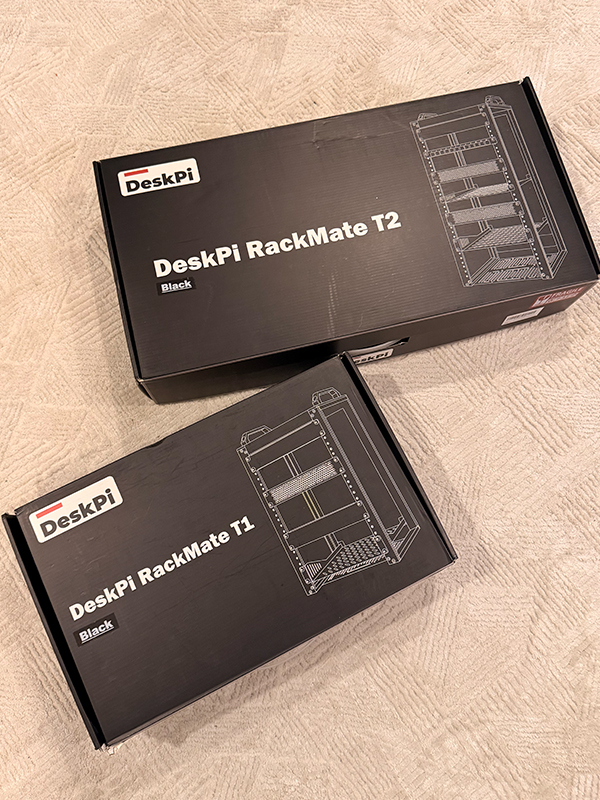
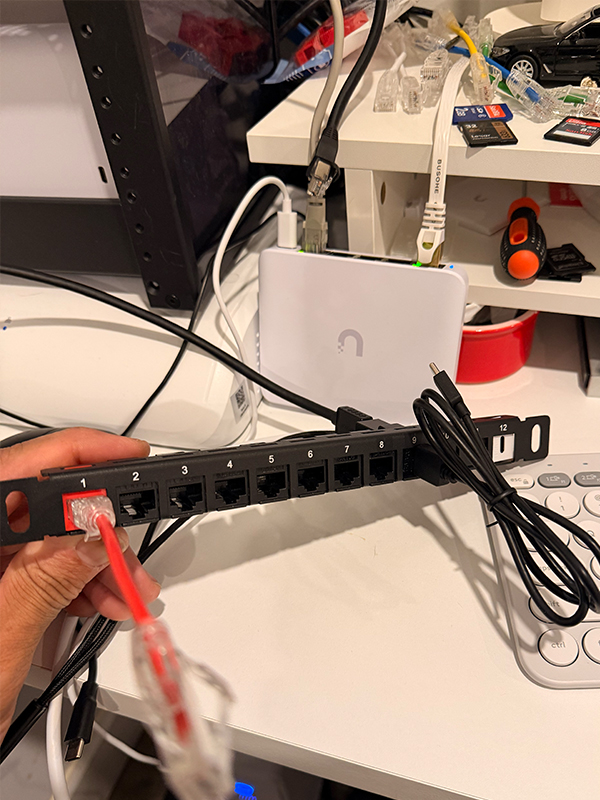
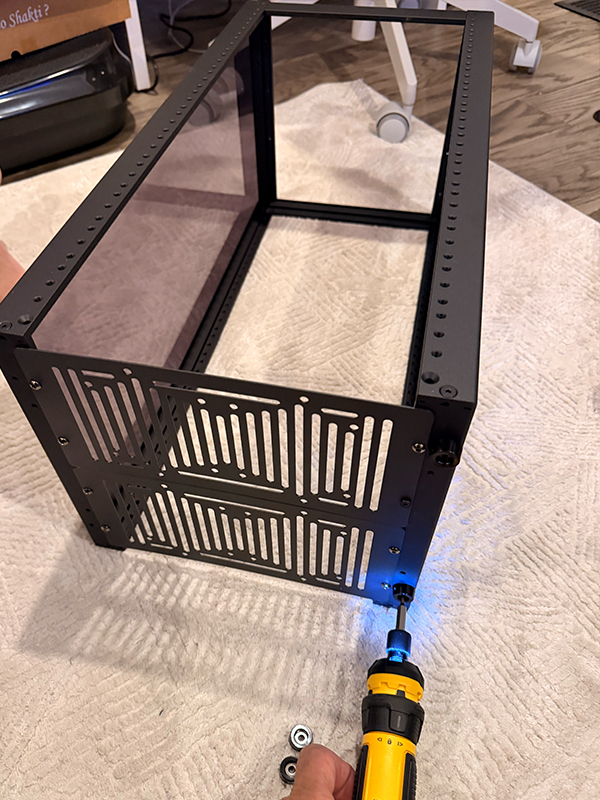
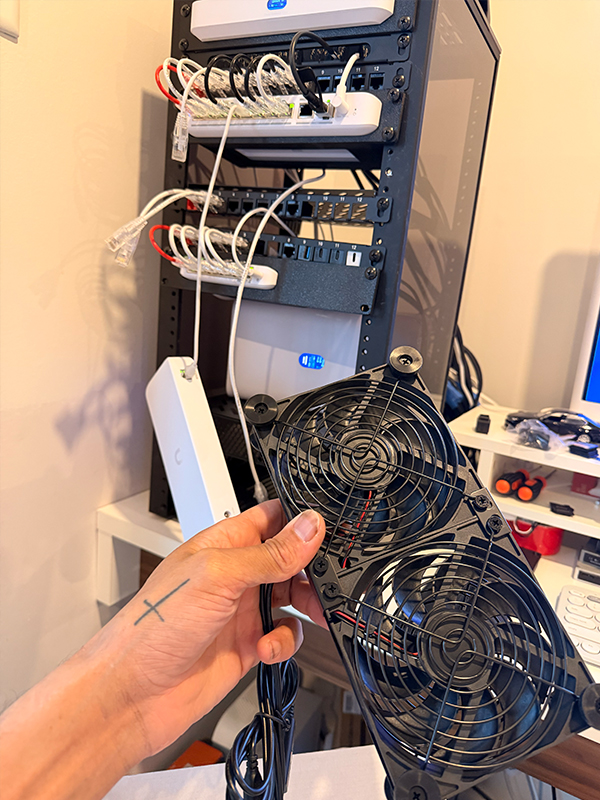
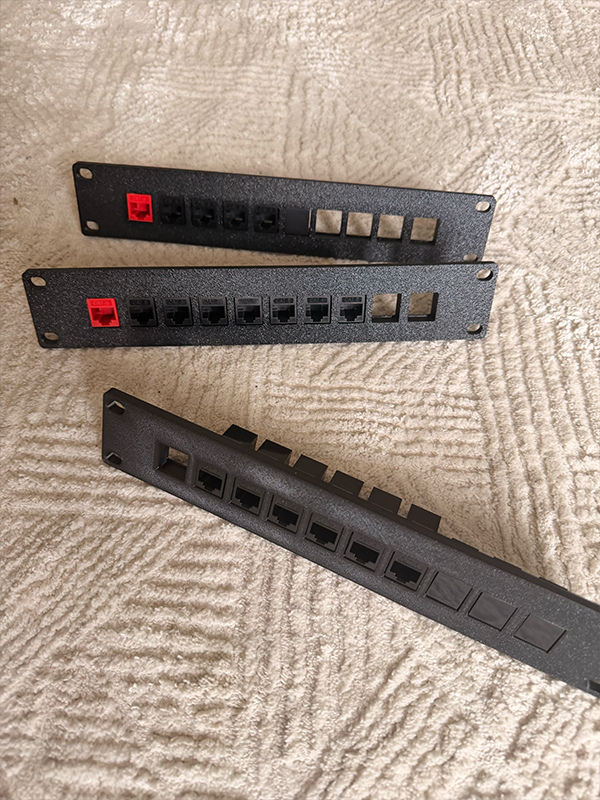
“I told you so!”
It’s true what they say, “Once you start your Ubiquiti journey, open up your wallet.” Be prepared to spend. My cousin warned me of this, and he, along with other Reddit user comments I came across, was absolutely right! It’s not a trap, it’s an appreciation of the craft, um experience, um product?! All of the above.
Working with UniFi products makes it all a breeze. Honestly.
But if you plan ahead, you won’t make the same mistakes I made. For my original purchase (and after review with my trusted cousin), I thought my only needs would be the Express 7, Flex 8-port 2.5 GbE PoE Switch, U7 In-Wall Access Point, a few cool Unifi Patch cables, wait…, what? I need to buy a $115 AC power adaptor for that switch? Well, I’m saving money on this large order with FREE 5-day shipping from Ubiquiti, and in my mind, it all works itself out. Laugh now, at what I considered a “large” order (insert eye roll).
That should be good, right?
Eagerly awaiting the Purolator truck to arrive with all of the gold. I was convinced that the Express 7 would suffice since it also acts as an Access Point. Attach (my previously purchased) Flex 2.5 Mini Switch, and then I could just plug my Lorex cameras in and voilà. High-speed internet access and security throughout my whole home. Wrong.
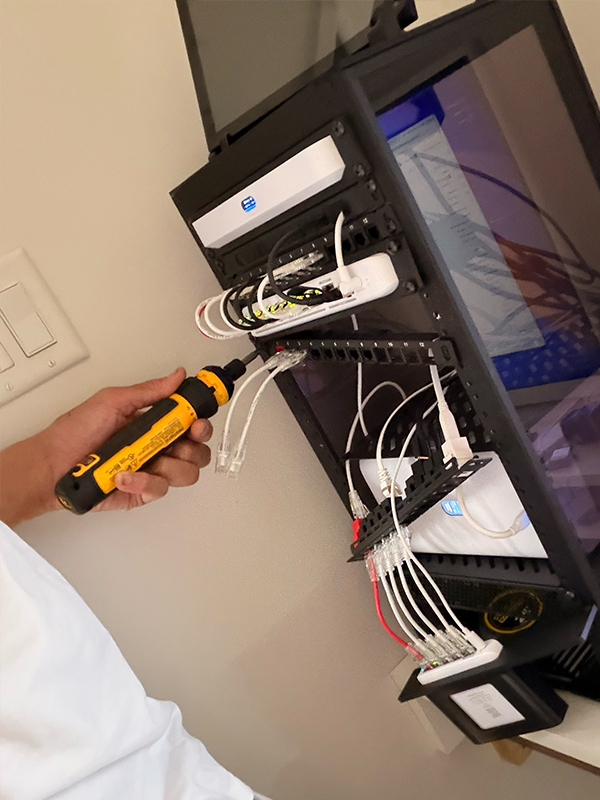
I should mention that I ran Ethernet cables throughout my whole home prior to this adventure. Also, not necessarily the most correct way either (just running endless amounts of cable and not properly terminating a cable line or two into a keystone jack wall plate).
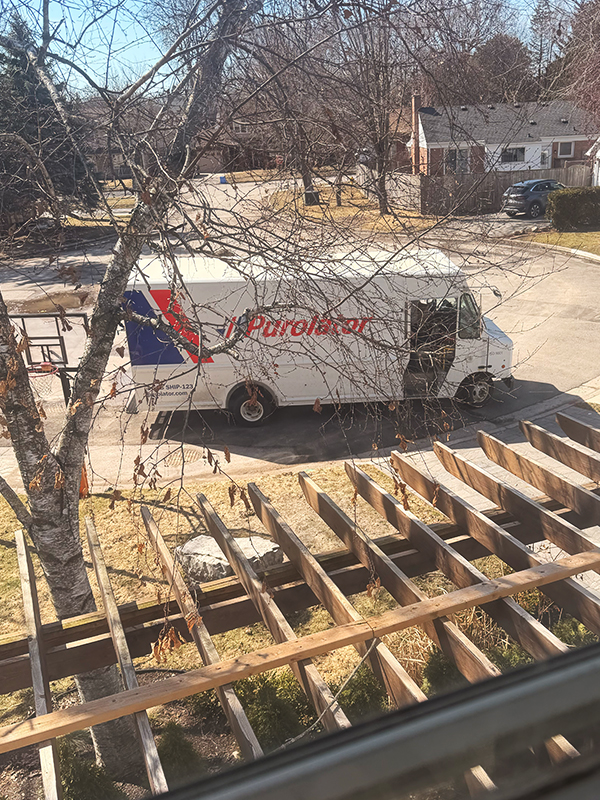
Waiting and watching!
Why buy from Ubiquiti? Products purchased through their storefront offer free shipping for orders over $750. They also provide a standard 2-year warranty on products and up to 5 years if you purchase their UI Care Extended Coverage. With UI Care, you can extend the replacement protection period of qualifying devices to five years and enjoy exclusive benefits.
Why purchase from Amazon? Quick delivery and easy returns. The caveat is that there is no option to purchase the UI Extended Coverage, and the standard product warranty is 1 year. There are many other online stores that sell products too.
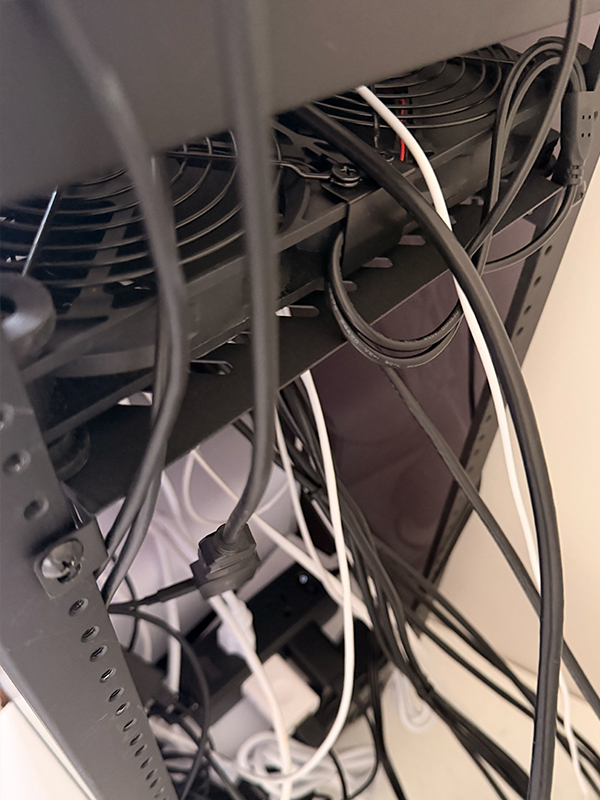
In short, sparing you all the specific details, I put together the server rack and all the products listed above over the next 3 weeks. Prepare yourself. It’s like the old adage, “measure twice and cut once.” I was so excited to get my hands on these products that I didn’t fully determine my use case. After reading over one hundred articles and watching a plethora of YouTube videos, many more revelations surfaced, along with the thoughts of “wow, I can do that” and “all I need to buy is this, too?” I told you so.
Tip #2: Plan, revise, review, repeat!
…