

I have some IT background. Enough to know what I was getting into, mostly. But building out a full UniFi home network, running Cat 6a through the walls, configuring VLANs, sizing PoE budgets, and wiring everything back to a 12U rack in the basement? That was a different level. I documented the whole thing so you don’t have to figure it out the hard way.
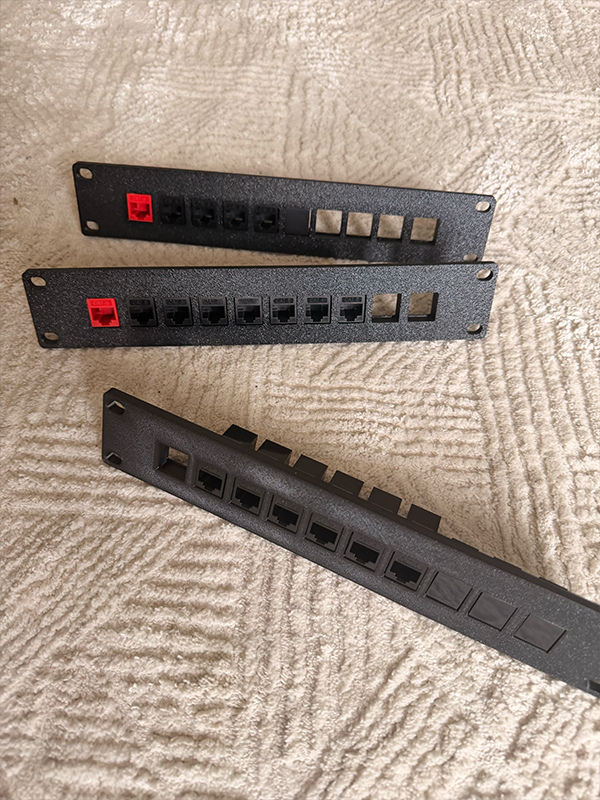
The links above are to all products available on Amazon (except the 10″ 3D printed rack mounts).
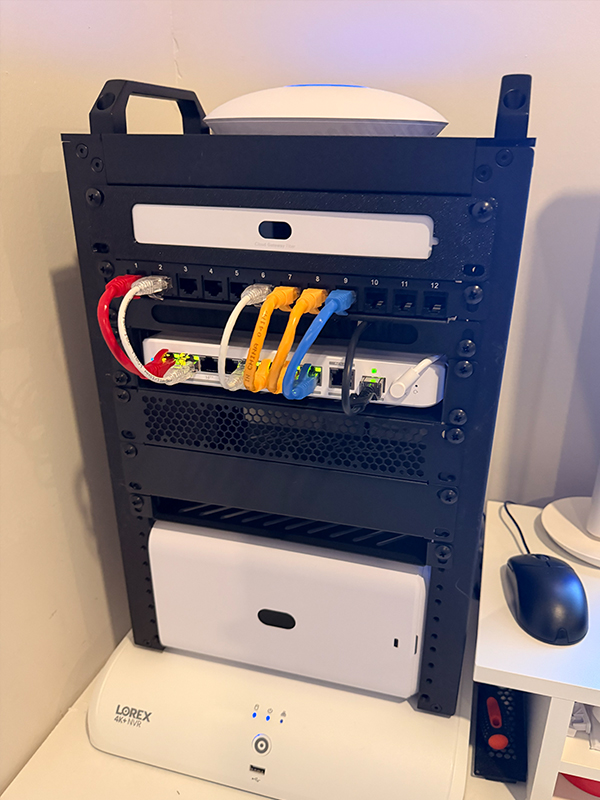
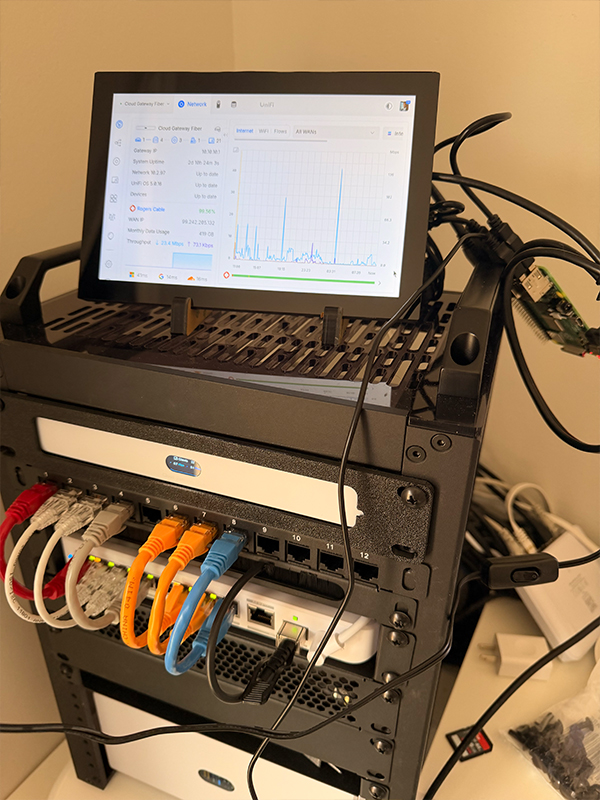
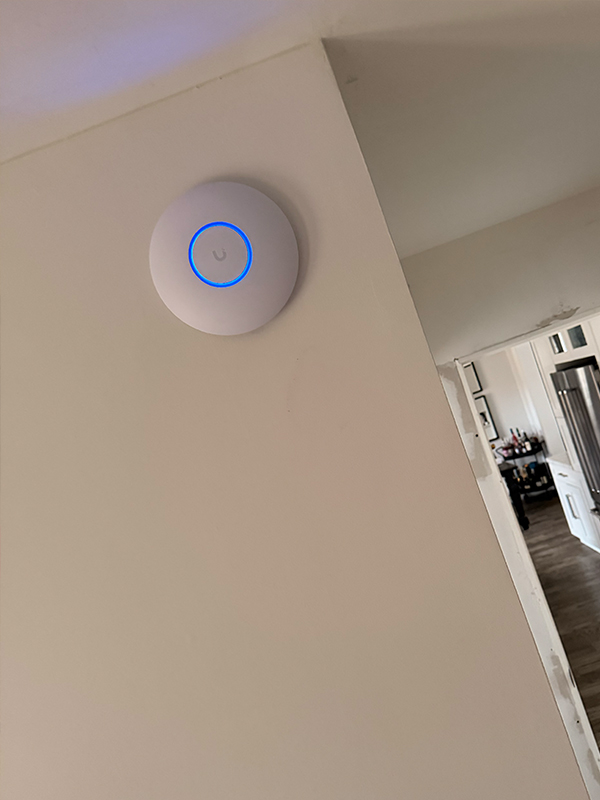
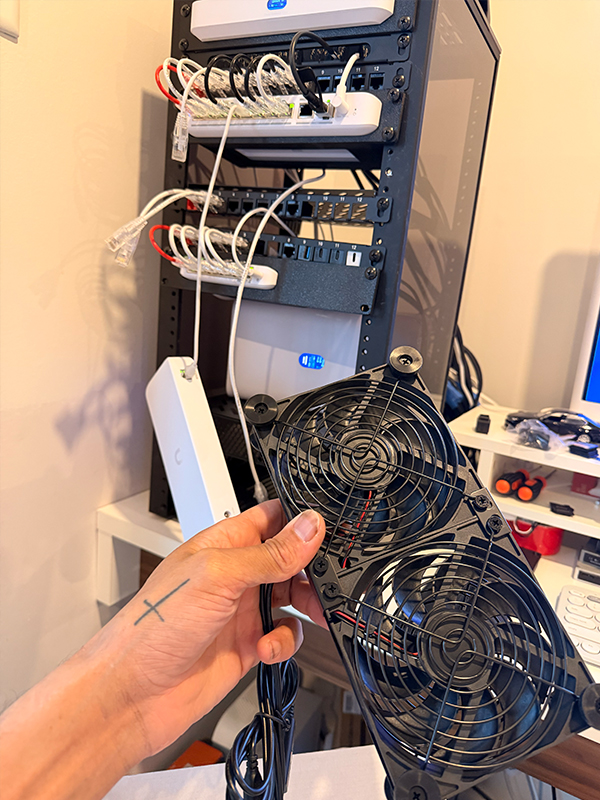
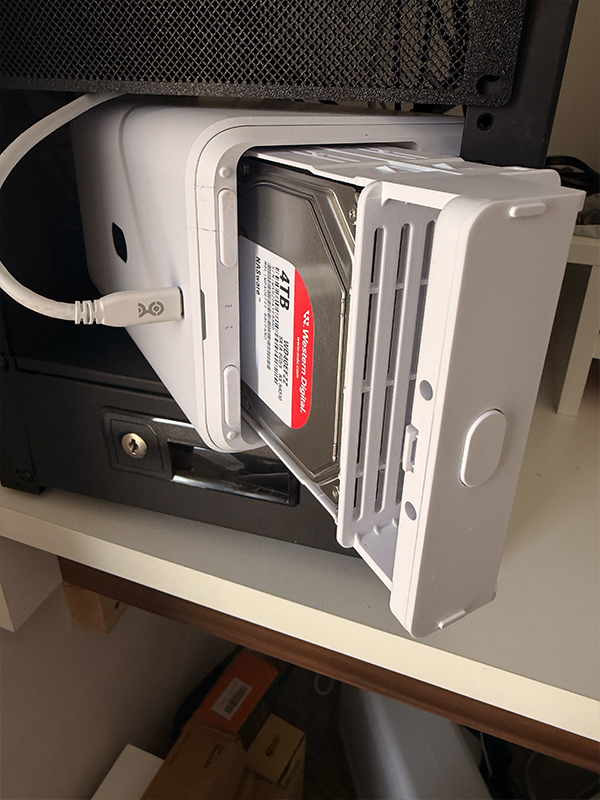
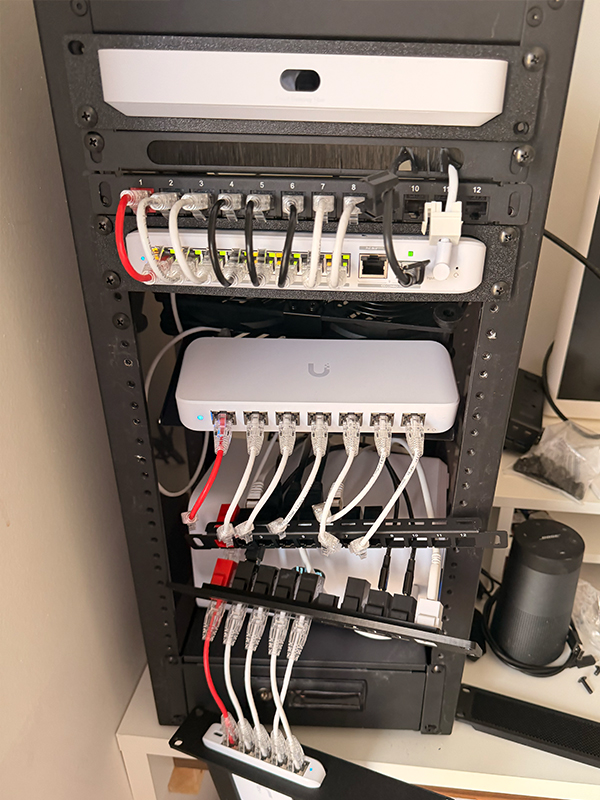
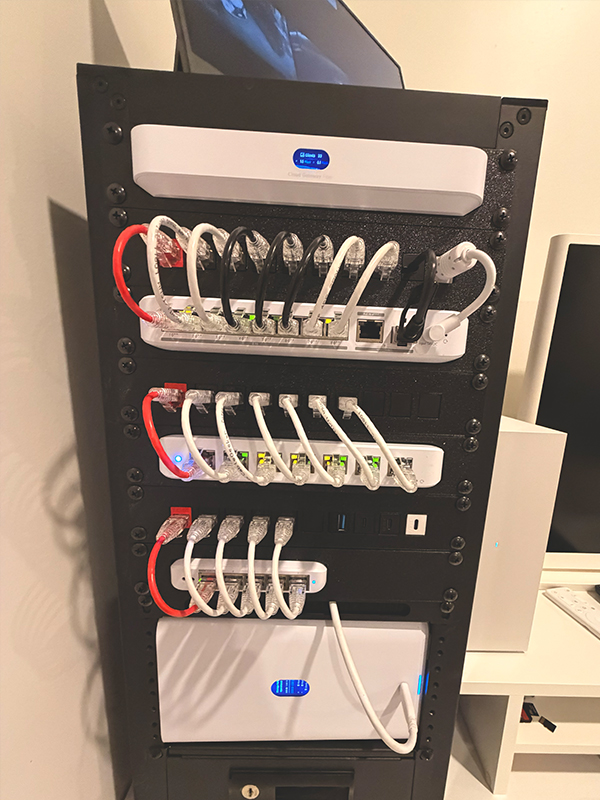
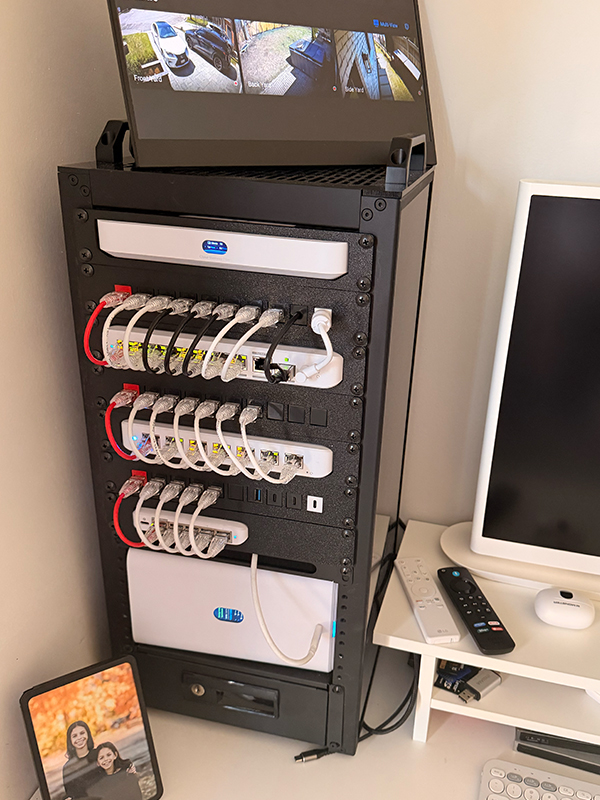
The final setup: a Ubiquiti Cloud Gateway Fibre handling routing and security, a Flex 8-port 2.5 GbE PoE switch as the primary distribution switch, a Flex Mini 5-port for secondary runs, an Ultra 60W 8-port for cameras and IoT devices, a UNAS 2 for local NAS backup, U7 Lite access points for wireless coverage, and G5 Turret Ultra cameras tied into the same UniFi Network controller.
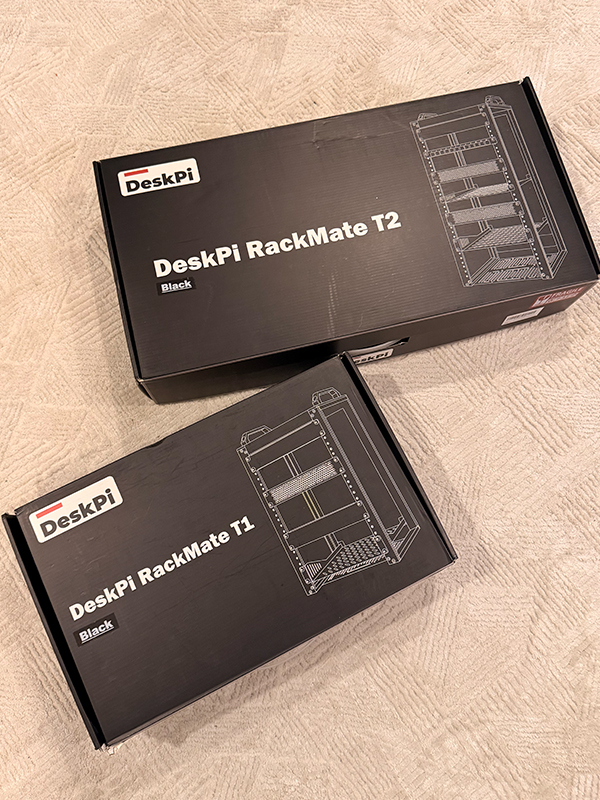
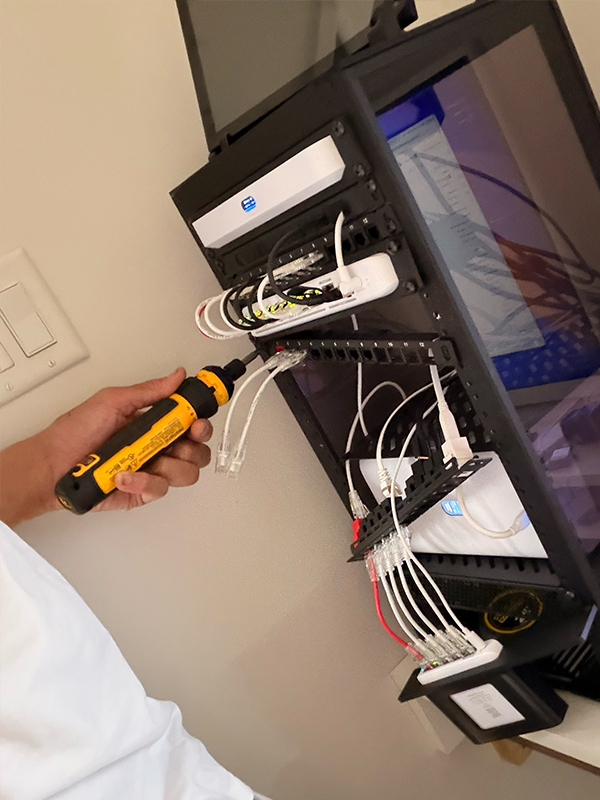
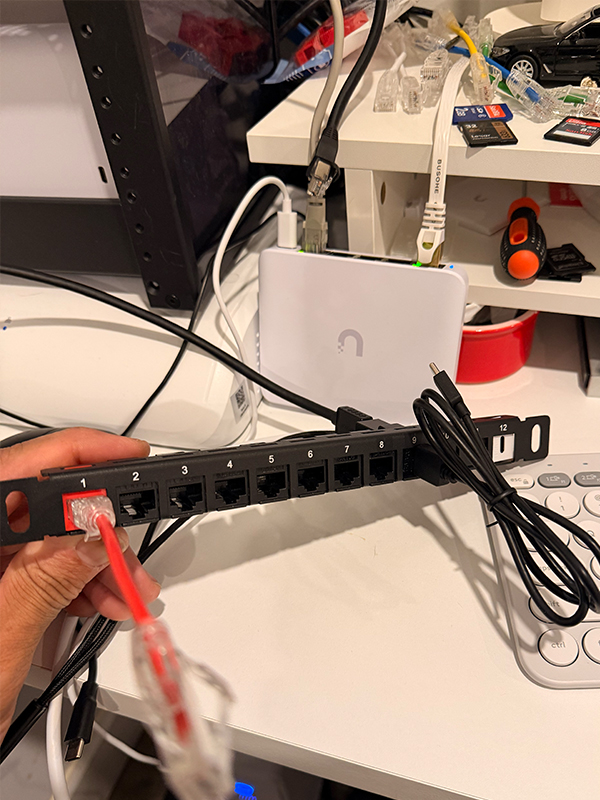
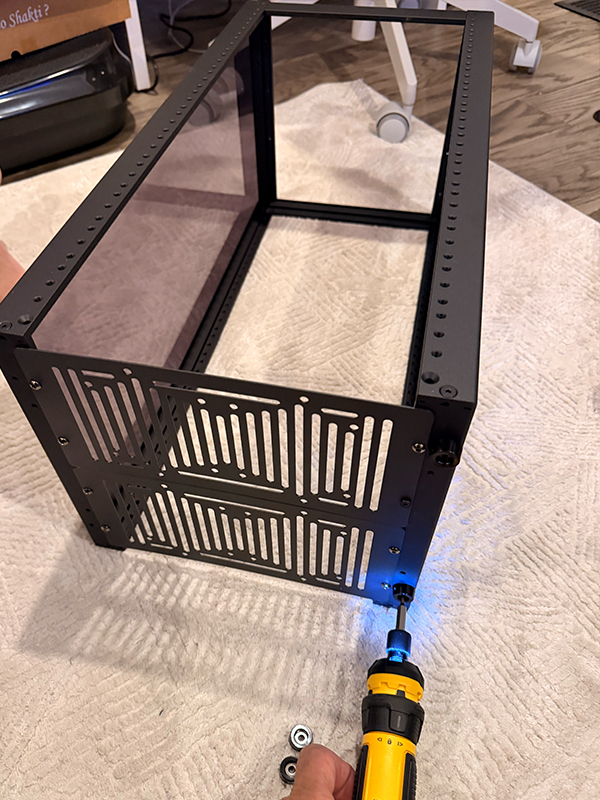
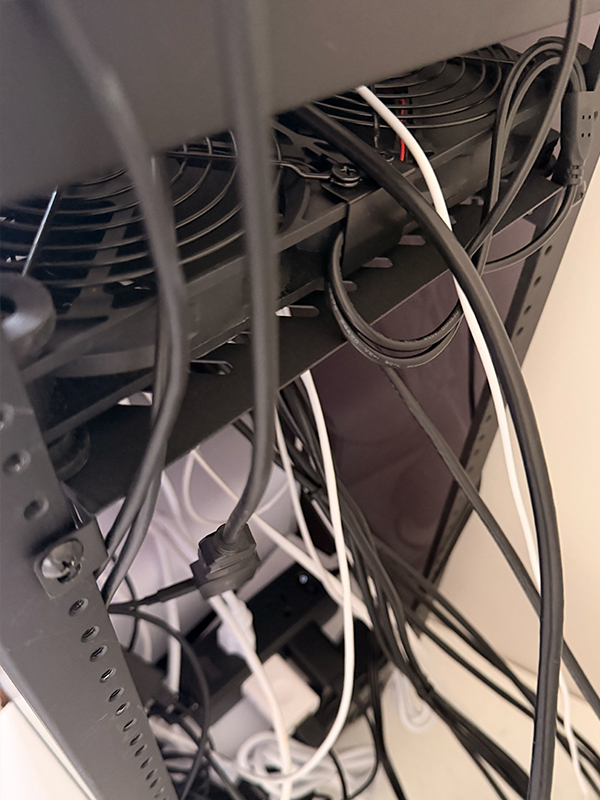
It all lives in a GeekPi 12U wall-mount rack. The Cat 6a runs terminate at a patch panel, and every TV streaming device, computer, and security camera is hardwired.
The goal was to move off expensive cloud storage by switching to local NAS, and to get proper wired ethernet to every room that mattered. Both done. What I didn’t anticipate was how much the build would evolve before I got there.
When you’re learning a new network setup, Amazon’s next-day delivery and a flexible return window are legitimate tools. I tested the UniFi Express 7 before deciding the Cloud Gateway Fibre made more sense for my setup. I tried the UNVR Instant before concluding it wasn’t the right fit. Neither return felt like a mistake. They clarified what I actually needed.
Where you buy matters, though. Ubiquiti’s store gives you free shipping on orders over $750, a standard 2-year warranty, and access to UI Care extended coverage up to 5 years. Amazon offers faster shipping and easy returns, but it drops you to a 1-year warranty with no UI Care option.
For testing and experimentation: Amazon. For the hardware you’re keeping long-term: buy direct from Ubiquiti.
My original UniFi network plan was simple: Express 7 gateway, one Flex 8-port PoE switch, one U7 In-Wall access point. Three weeks later I had a 12U rack.
The issue wasn’t bad planning. It was incomplete planning. I hadn’t fully mapped my device count. I hadn’t thought through which rooms actually needed hardwired ethernet drops. And I didn’t understand PoE budgeting until a switch started throwing alerts mid-build.
A spreadsheet fixed most of it. Every device in the house, what room it’s in, whether it needs a wired connection, and how much power it draws over PoE. Cross-referencing that against each switch’s PoE budget before ordering would have saved me at least one return and a week of second-guessing port counts.
Two things that made the planning process click: drawing a rough floor plan with cable runs sketched in (you’ll spot the gaps immediately), and adding a “future devices” column alongside “current devices.” That column is why I ended up with more switch ports than I thought I’d need, and exactly the right number once every device was connected.
The revisions aren’t a sign the plan failed. Every pass through the network design taught me something.
The final build reflects that.
The UniFi and home networking communities are genuinely useful. The UI Community forums at community.ui.com have real answers to specific setup questions, with official Ubiquiti responses mixed in alongside user experience. Reddit’s r/Ubiquiti is more candid: real builds, real problems, a lot of “here’s what I’d do differently on my next rack.” Search it before any major purchase.
For video, Crosstalk Solutions (Jeff Wirtz on YouTube) does the most thorough product breakdowns I found for UniFi gear: actual performance data and real-world setup walkthroughs, not marketing summaries. Willie Howe’s channel is solid for access point placement and wireless network design.
You will make mistakes regardless. Wrong switch for a run, a cable that ends up unused, a device ordered twice because you returned the first one too early. The community shortens the gap between the mistake and understanding why it happened.
My network is still not done.
I want to adjust a few camera angles, and I’m still deciding whether to add a second U7 Lite upstairs. But the core UniFi setup is solid: Cloud Gateway Fibre managing traffic and threat detection, proper VLAN segmentation for IoT devices, local NAS backup running on the UNAS 2, full gigabit wired coverage on every floor.
I know what I built and why each piece is there. Now, I can troubleshoot it when something goes wrong!